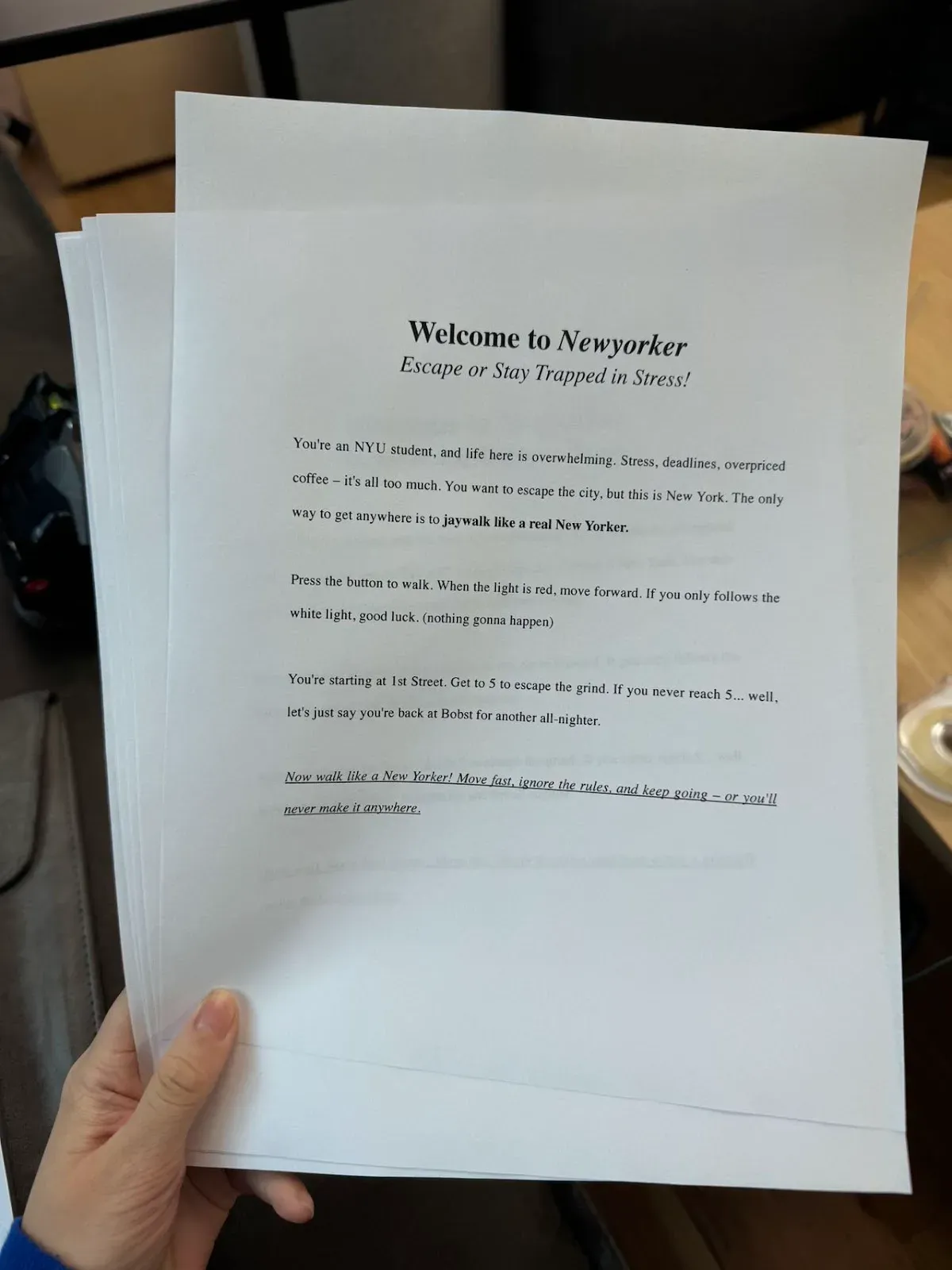
The Newyorker
https://docs.google.com/document/d/1IMThD-qbKGwVn5Q1AmA-3n08-MypYIGoRXMQ7XAW7Sc/edit?usp=sharing
INITIAL IDEAS (BRAINSTORMING)
Mumu
- separate monitors + camera capture + random glitches for the spookiness
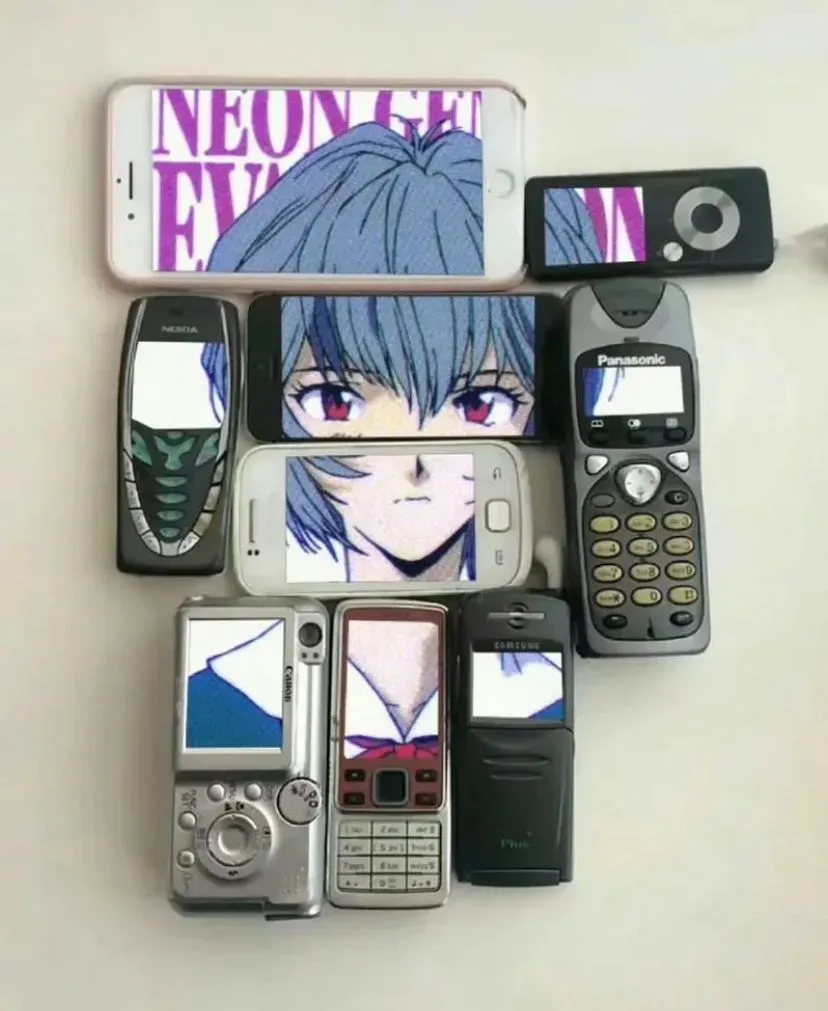
- Camera captures live footage of the visitor, processed through p5.js and distorted in real-time
- As visitors move away the mirror “reacts” by warping their reflection, adding eerie elements like shadowy figures appearing behind them
- Heartbeat/pulse + hospital elements + strong interaction
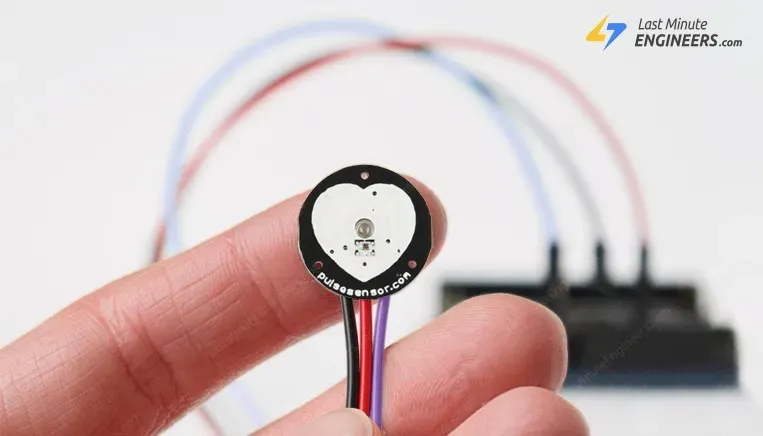
- Ask the audience to test their heartbeat very seriously at first. Then the whole thing becomes distorted.
- Uses a pulse sensor to track the user’s heartbeat and reacts accordingly. As their heart rate rises (perhaps due to eerie ambient sounds or visuals on the screen), the environment grows more disturbing
- Haunted type speed test + more interactions
- Ask audiences to do a type speed test
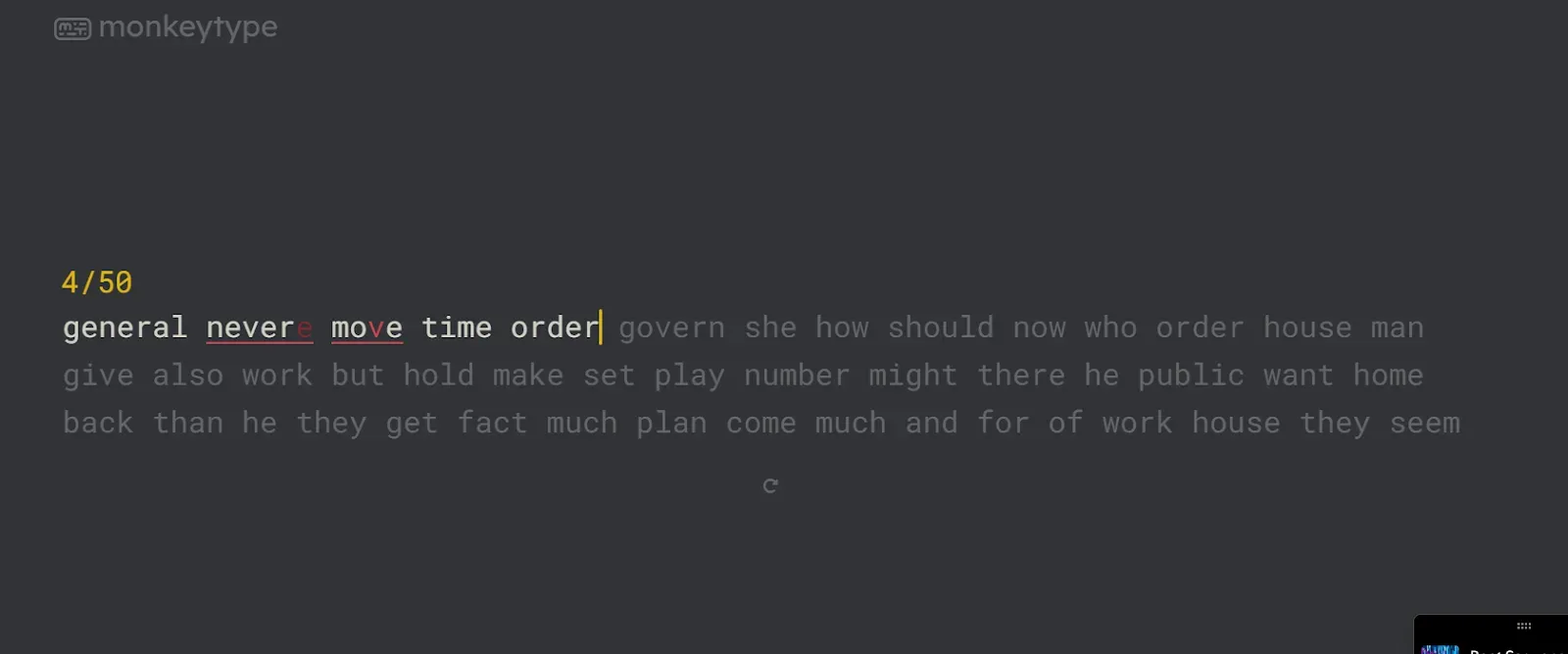
- As the participant types on their keyboard, ghostly, unpredictable events occur on the screen or in their physical environment. Random letters could appear on the screen that they didn’t type, or eerie sounds are triggered
- Arduino connected to the keyboard for detecting keypresses, p5.js to distort screen output (like random keystrokes or flashing images), simple motors or lights for external feedback.
- That’s Not My Neighbor + doppelgangers
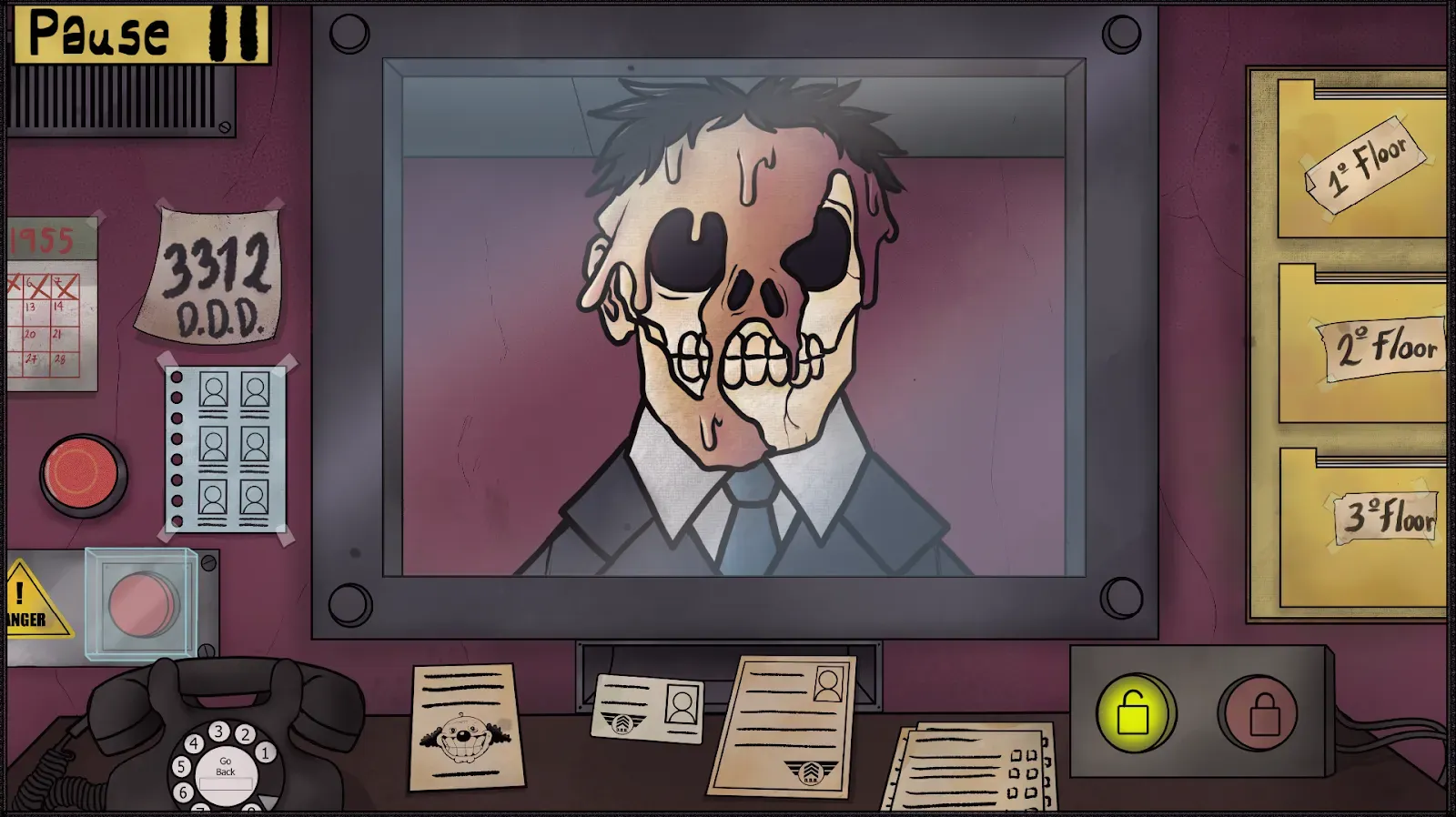
- Basically do something like the game, audiences take on the role of a gatekeeper, tasked with deciding whether the people they see on screen are human or doppelganers
- Use a button or simple touch input system controlled by arduino & view a series of faces on a computer screen generated using p5.js. The system shows these individuals, and the user must decide whether to accept or reject them based on visual cues. The faces will appear for a limited time before the participant must decide, adding psychological pressure
- Liminal space

- This one will be tricky because it needs more fine art stuff to create the atmosphere.
- Make the audience stuck in a liminal space, like the classic hallway walking loop
- Use p5 js to show the videos & play ambient sound to build tension, like a distant hum of air conditioning, the faint echo of footsteps
- Use an arduino for an immersive experience, like lighting (simulated on-screen and possibly in the physical environment) changes subtly—flickering fluorescents, long shadows, or dim, unnatural lighting patterns. Arduino-controlled LEDs could mirror this, creating a physical response to virtual cues (e.g., lights dimming when they approach certain areas)
- Honestly i’m running out of ideas, but for ideas quality > quantity i guess
Jane
Mindmap→
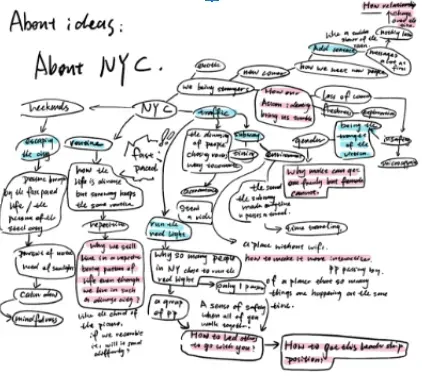
- Jaywalking New Yorkers
- AN AUTHENTIC NEW YORKER NEVER WAITS FOR THE GREEN LIGHT TO GET ACROSS THE STREET!!!
When I was having a conversation with my friend about jaywalking, she mentioned a really interesting point: people are just strangers, but the moment they decide to jaywalk, they suddenly form a solid team; they believe in each other as the more people choose to jaywalk, the safer they will be. And once they reach the “safety bank”, they are dismissed, like strangers, walking toward different destinations.
-
Art installation project, an emulator provides an authentic New Yorker experience
-
escape from NYC
- I found an interesting phenomenon: even though city life is diverse and intriguing, most of the people around me choose to leave New York City and breathe some fresh air. What leads to this phenomenon? Is the fast-paced life overwhelming, so people try to relax a bit by being away from the city? What do they need? A meditation? Or some experience that lets them feel their lives get slower?
- Art installation project, AR/VR, reference: IMA cohort, tree project
-
Acquaintance in the city
- When we are in a city, even though we meet more people, we add more contact but feel less connected. How could we use physical computing to reflect/solve this issue?
- Public art installation(enables reflection), or devices(wearable, could be used in daily life) to solve the problem
-
life routine
- I felt really bored in New York City. To me, even though more things are happening in my life and life becomes diverse, I just get a new, more diverse, life routine. I went to museums, and restaurants, watched movies, etc. My life just repeats itself that way. How could we make our life more interesting/unexpected/etc?
- A wheel/slot machine that creates interesting combinations of new activities we could try
-
Halloween sacrificial ceremony
- Make a lantern with its flame flickering and creepy sound in the background(reference: Bushinsaba)
-
Halloween-themed scary dark room
- The player will enter a room with a light out, and the position of their stand will be detected by sensors and different soundtracks/pitches of sound/etc will be played according to the player’s position in the room
-
Conductors
- Through building several sculptures that respectively sing in treble/middle/basso, we could use machine learning to detect the hand/arm movement of the users so the players could be conductors of this choir.
-
Some physical devices enable the creation of different sounds (bringing the GarageBand into reality rather than just on a phone screen)
-
An Artistic installation that looks artistically pleasing, using projections and people’s body movements to create different shapes/motions
-
Garbage sorting installation(educational)
- Have you ever experienced the time awkwardly standing in front of garbage cans labeling recycling/etc and can’t figure out which can you should put your garbage into?
Ray
- Create a ghost machine. Using motion sensors and Arduino sensors. Using the motion sensor as someone approaches can cause ghost sounds and visuals to appear on the screen.
- A digital garden: We create a visual of a garden that grows according to the amount of light. And using the mouse we can control the garden like a game.
- Sound-driven art: Using a microphone, we pick up different sounds, and according to how long and loud the sound we create different visuals. So we allow interaction between the users and the visuals created, the users get to control what they paint.
- Virtual aquarium: Create a visual of an aquarium and the fish reacts to the light sensor and the sound level. They run away when it’s bright and loud.
- Pong game: Using the pressure sensor as the user’s controller, play the pong game.
- Time-lapse experience: Using a light sensor and sound sensor, we created an installation in which the real-world lighting and noise level change the speed of a video being played in p5.js.
Sophia
- Waterfall animation that touching can affect the animation
- Shadow moving on its own
- You touch and item disappears
- When you touch an item you can control the direction it goes
- Fnaf experience, where if you shine a light, the animatronic goes away
- If you touch something it plays scary audio
- As you go closer to something, spooky ambiance plays and you get jumpscared
- Screen moves on its own, controlled by arduino? I’m not sure
- Keep talking to prevent ghost from showing up
- Shadows attempting to get closer to you and you shine lights at them to get rid of them.
MEETING
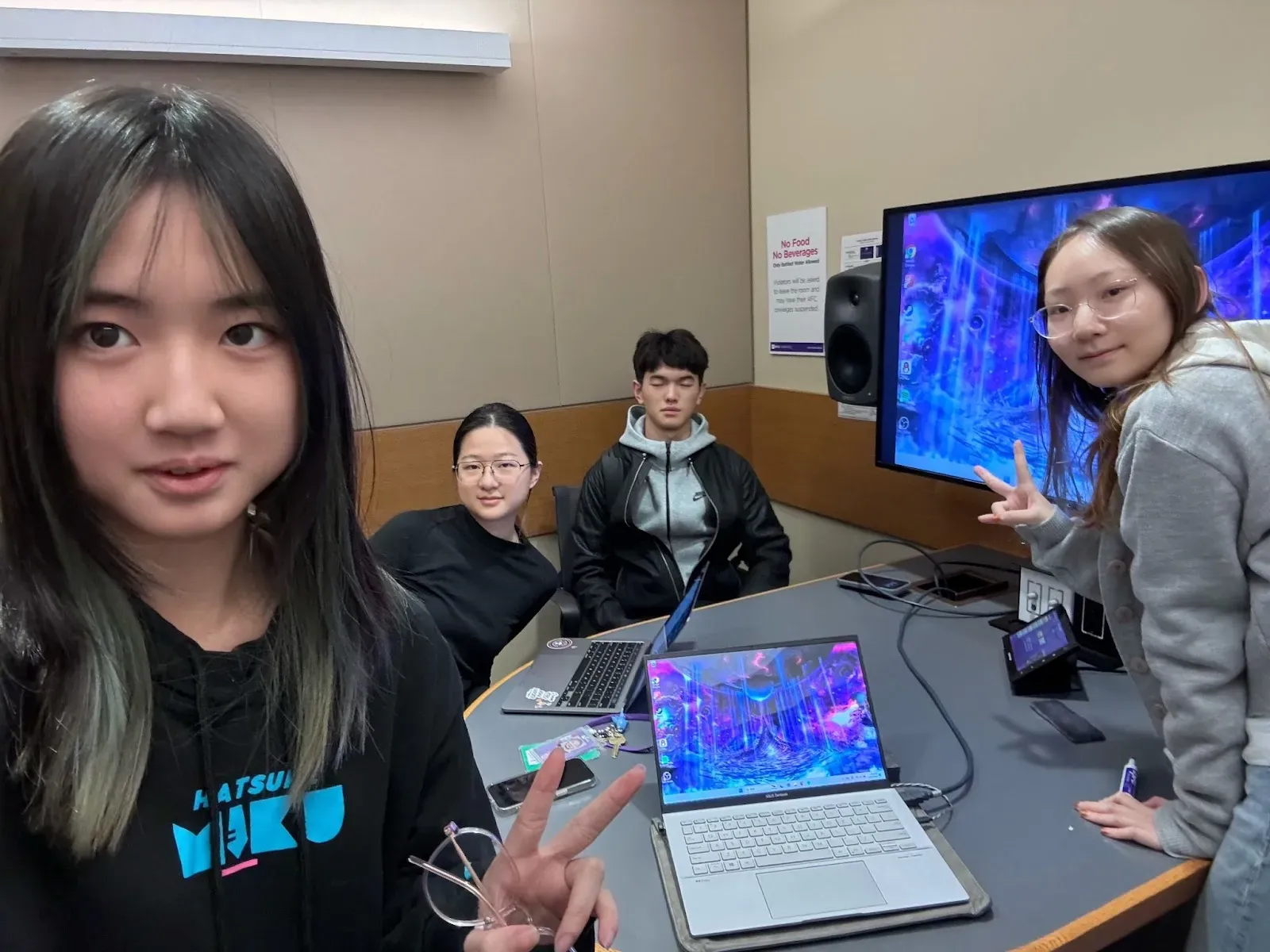
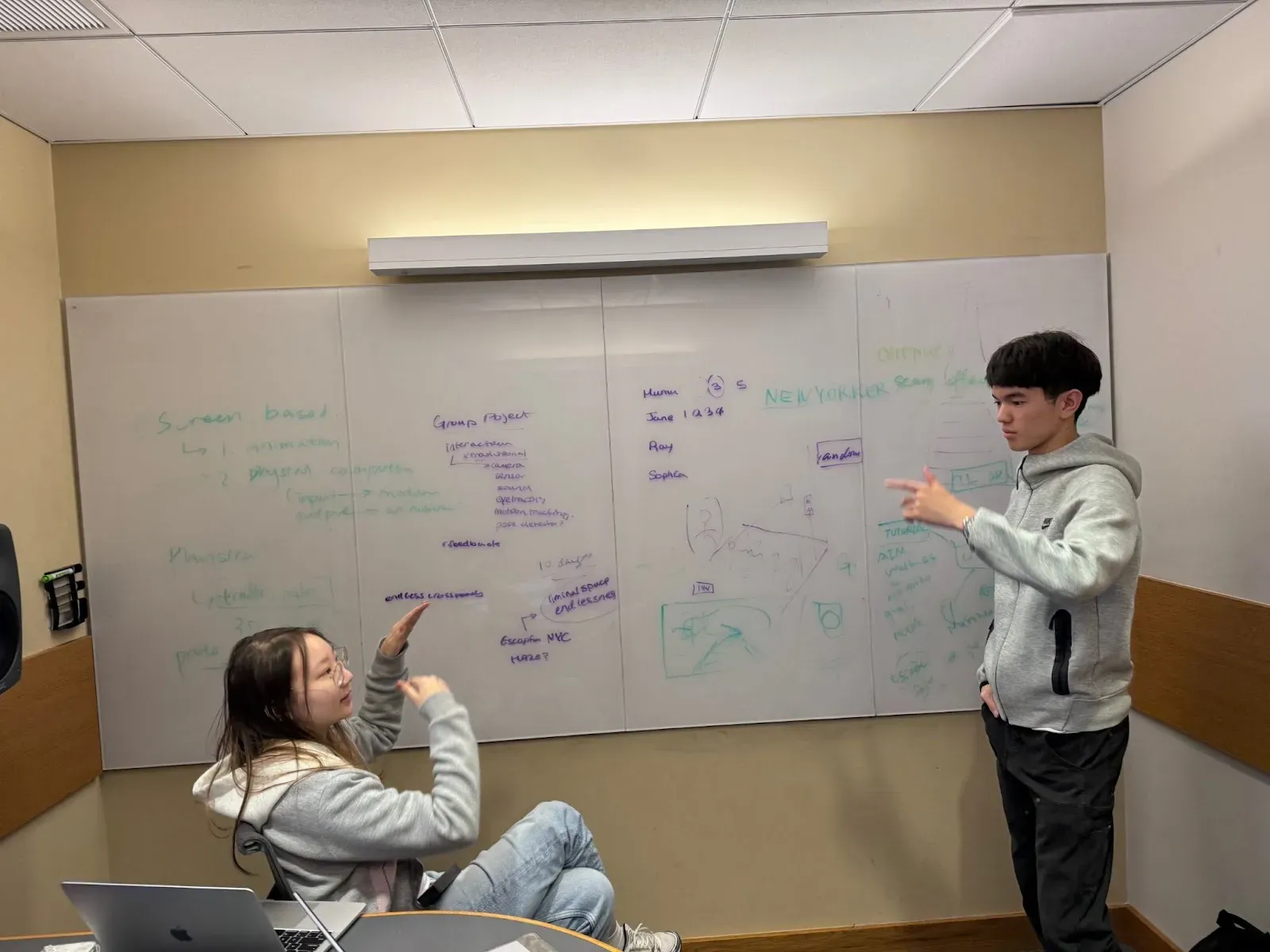
- We did a poll for everyone’s ideas
- Tried to combine everyone’s “wow” part
- Came up with an ultimate idea that has everyone’s contribution in it.
OUR FINAL IDEA & PLANS
- I’ll just paste our meeting notes below.
Oct 18, 2024 Meeting notes | Brainstorming & Plans
Notes
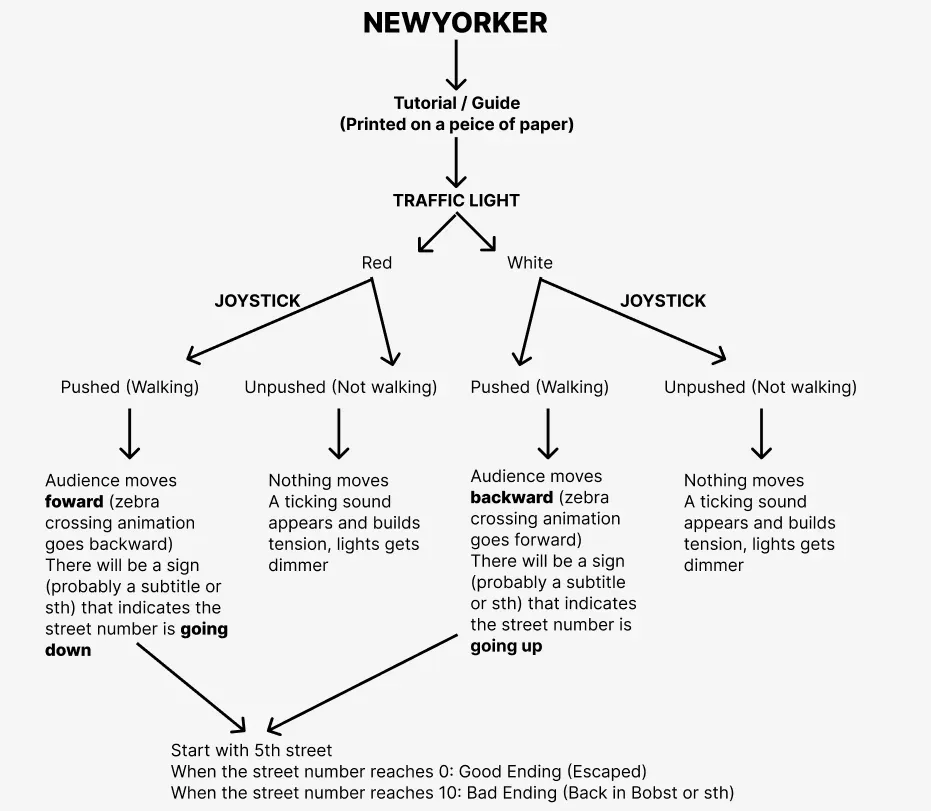
- Title: Newyorker
- Setup: Projector, wall, traffic light, motion sensor / Joystick
- Jane and I had a discussion afterward about the form of this installation. Keeping people spot running is kinda weird so we can add a joystick to make people push it and imitate walking.
- Story Telling:
- You are a student at NYU who found your school life so stressful that you want to escape the city. Because you are in New York, you will have to jaywalk in order to reach anywhere in a short amount of time, or else you will never get to anywhere on time. We should make this sarcastic (after all, jaywalking is unethical and can lead to death)
- Flow Chart:
PROGRESS FOR NOW
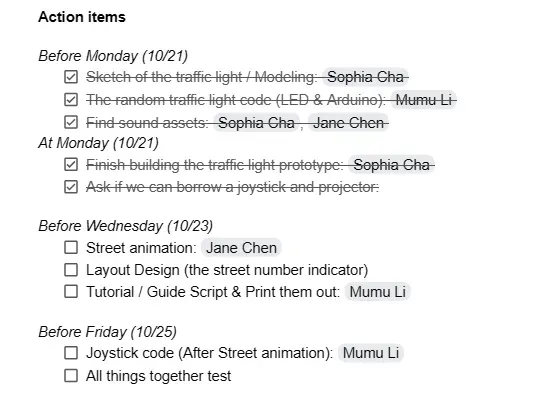
- We have a rough timeline for our project progress
Traffic Light Box
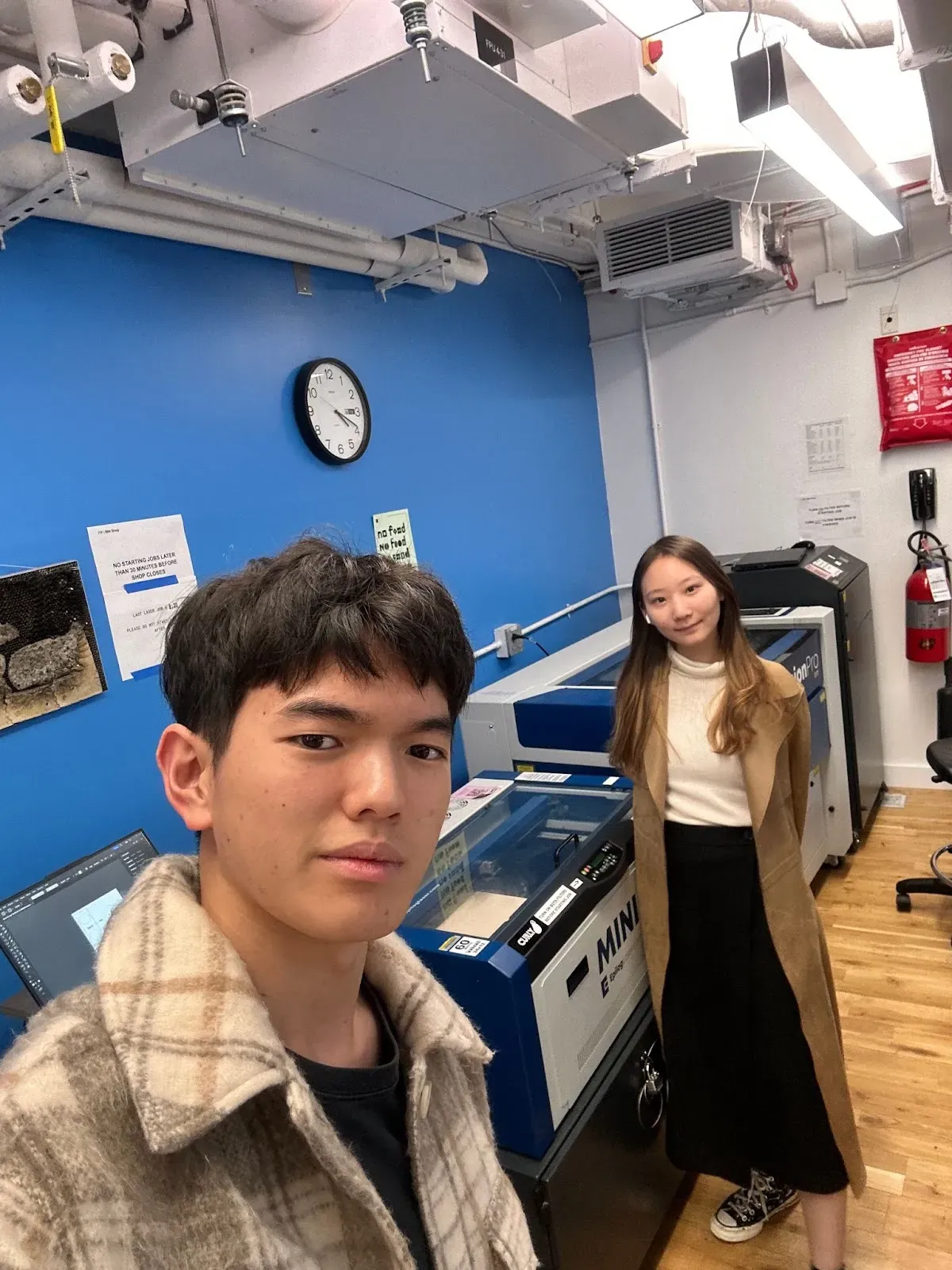
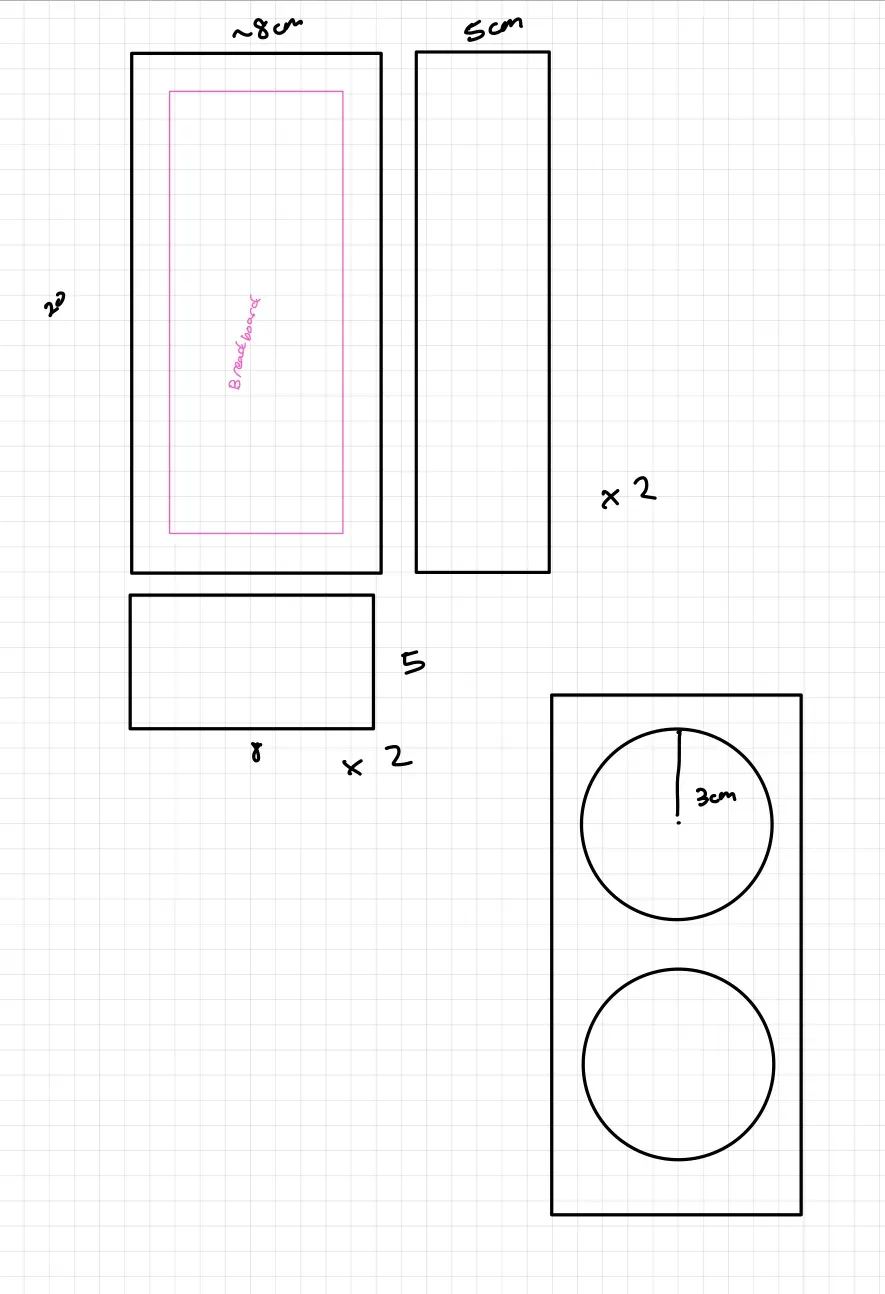
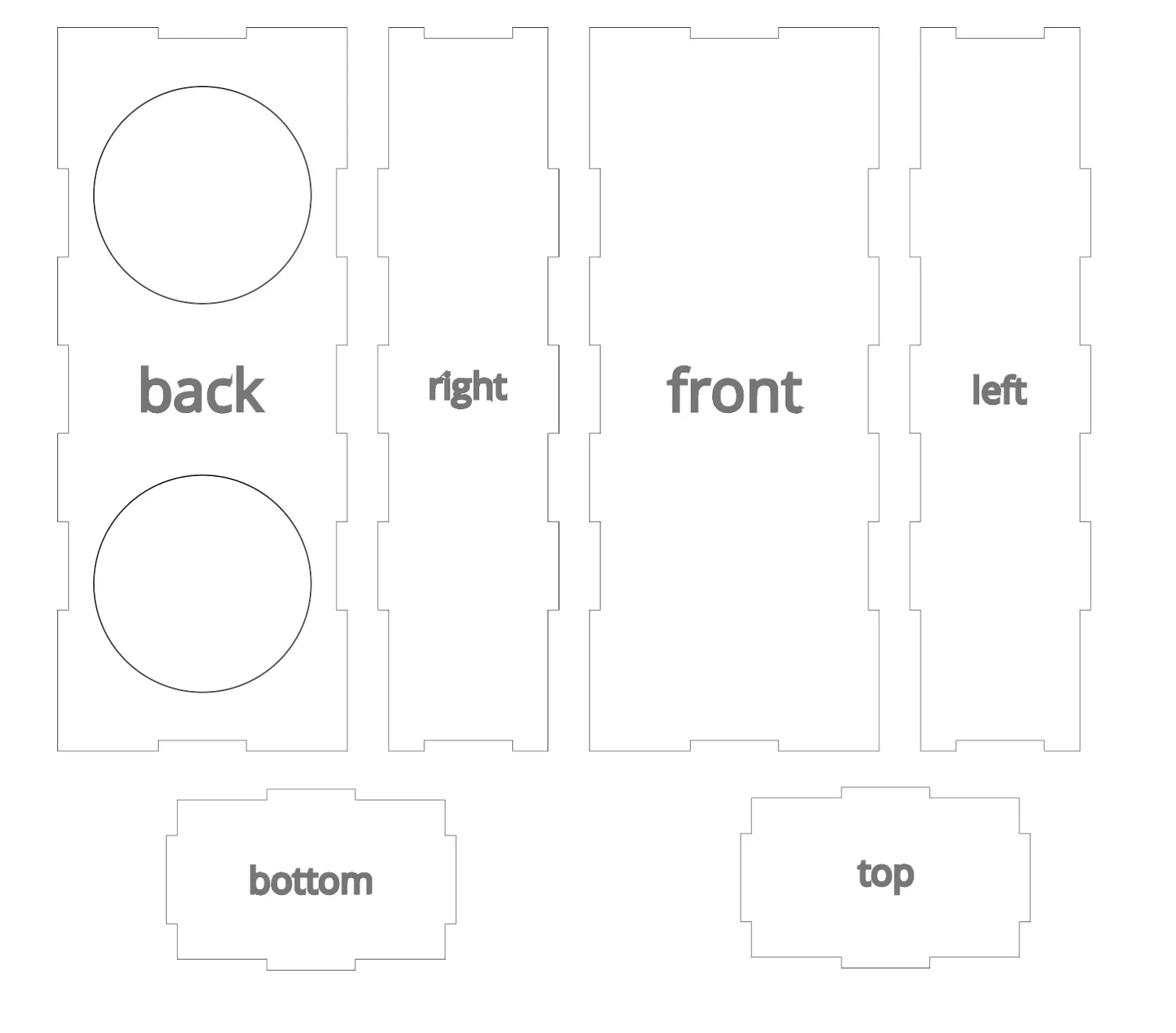
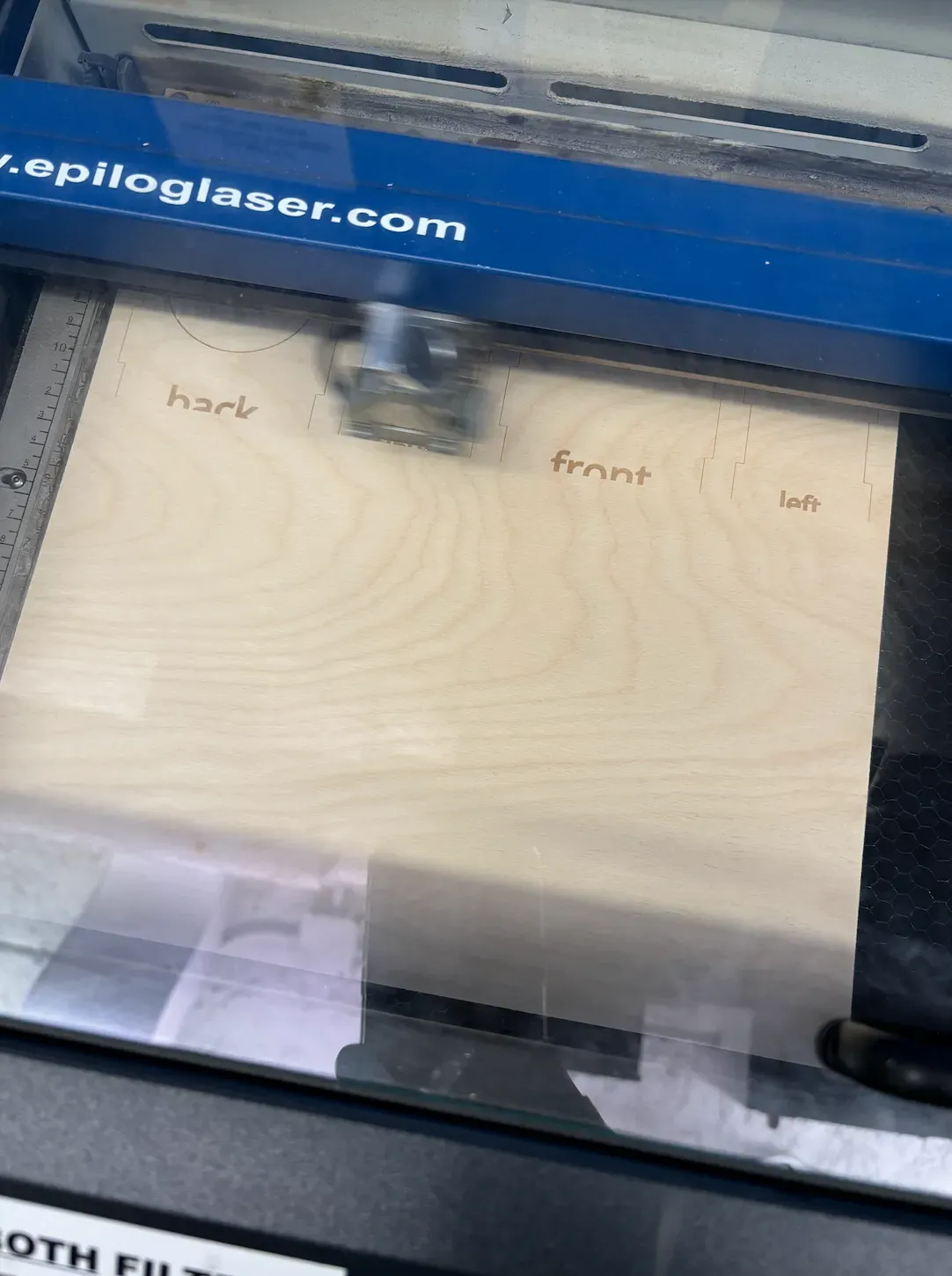
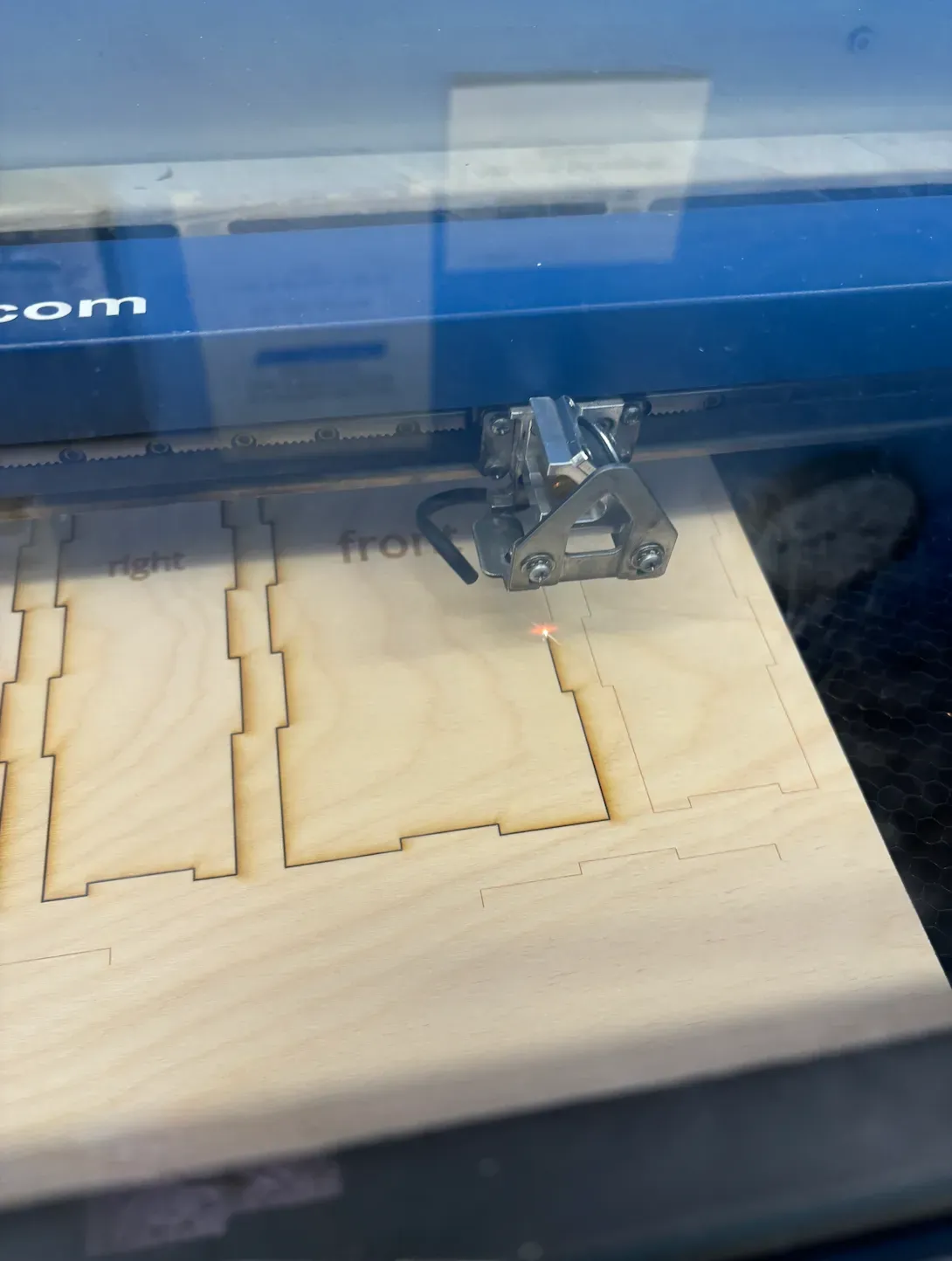
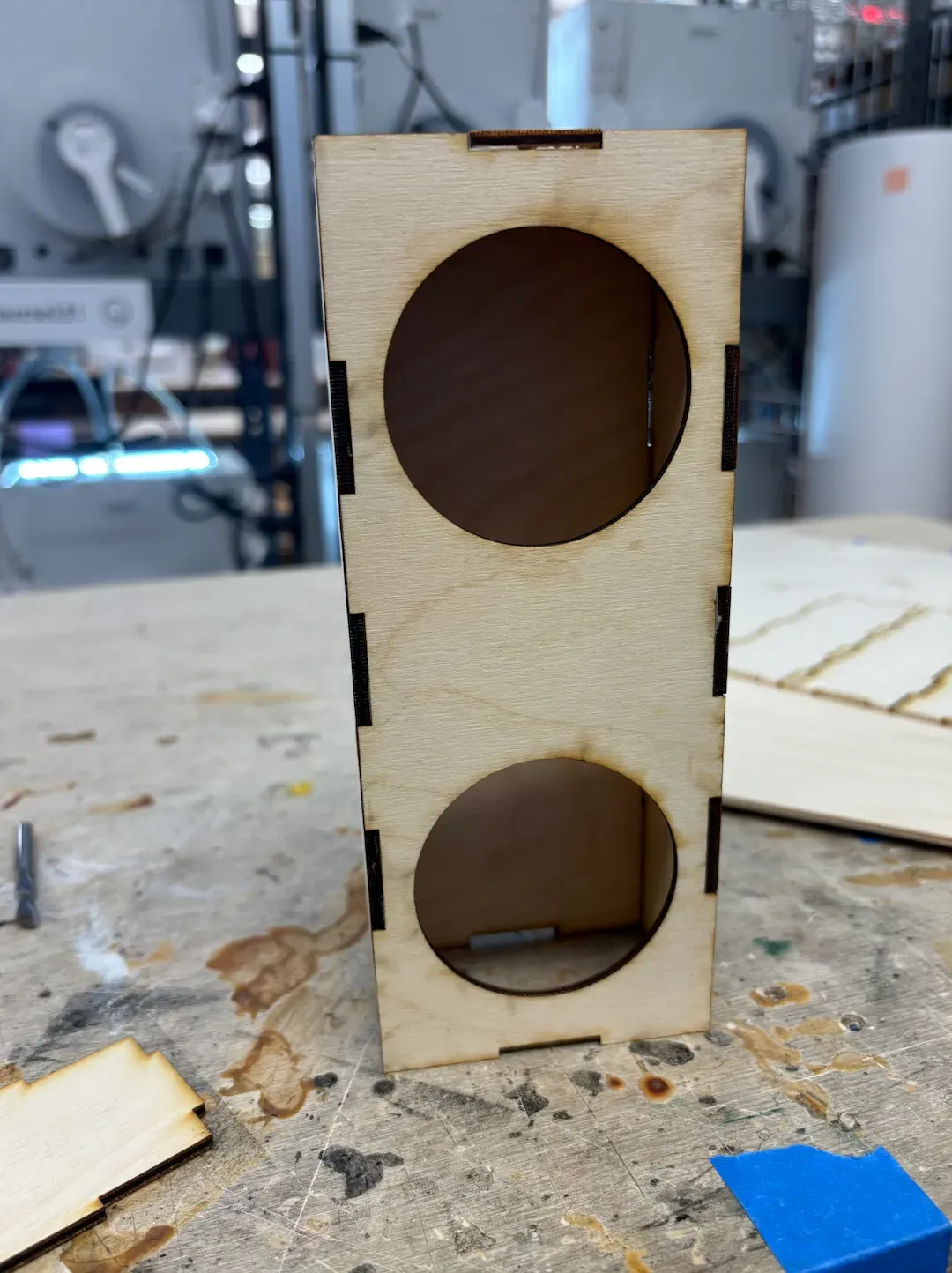
- A blueprint was made using measurements obtained from the breadboard and calculating the size it would need to be to accommodate the wiring and the arduino. Then in Illustrator, the parts were designed to interlock with each other and connect even without the need for glue. Then the parts were laser cut, however, a mistake was made when attempting to laser cut and it was set to engrave instead. We asked an upperclassmen for help and she helped us set it to laser cutting. Once all the pieces were cut out, we assembled it with the help of wood glue.
Code
Arduino Side
Overview of the Code Functionality
- Two LEDs (Red and White) are connected to digital pins.
- LEDs toggle their states at random intervals between 1 to 3 seconds.
- Only one LED is on at a time.
- A button is connected to a digital input pin.
- If the red LED is on and the button is pressed, it sends 1 over the serial port.
- Otherwise, it sends 0.
- The data is sent over Serial communication.
Main loop
void loop() {
unsigned long currentMillis = millis(); // Get the current time
if (currentMillis – previousMillis >= interval) {
previousMillis = currentMillis; // Update previous switch time
// Toggle LEDs
isRedOn = !isRedOn;
if (isRedOn) {
digitalWrite(redLedPin, HIGH); // Red LED on
digitalWrite(whiteLedPin, LOW); // White LED off
} else {
digitalWrite(redLedPin, LOW); // Red LED off
digitalWrite(whiteLedPin, HIGH); // White LED on
}
// Set a new random interval (1 to 3 seconds)
interval = random(1000, 3000);
}
// Read the button state
int buttonState = digitalRead(buttonPin);
// If red LED is on and button is pressed, send 1; otherwise, send 0
if (isRedOn && buttonState == HIGH) {
Serial.println(1); // Red LED on and button pressed
} else {
Serial.println(0); // Otherwise
}
delay(100); // Small delay to limit data rate
}
millis() returns the number of milliseconds since the board was powered on. This is used to compare against the previous timestamp to control the timing without using blocking delay() calls.
LED Toggle Logic:
- If the interval has passed, the LEDs toggle their states.
- The red and white LEDs switch alternately.
- After toggling, a new random interval (1-3 seconds) is set.
Button State Check:
- If the red LED is on and the button is pressed, the code sends 1 over the serial.
- In all other cases, it sends 0.
p5.js Side
I went to the coding lab for help. Kai was super helpful for this part!!
Global Variable Declarations
let serial; // Serial communication object
let video; // Video element reference
let inData = 0; // Store data from the serial port
let isPlaying = false; // Track if video is playing
let portButton; // Button to select the serial port
- serial: Manages communication over the serial port.
- video: Refers to an HTML <video> element.
- inData: Stores the numeric data received from the serial port.
- isPlaying: Tracks the video’s play state to prevent redundant commands.
- portButton: Button element to trigger port selection.
Setup Function
function setup() {
video = document.getElementById(‘myVideo’); // Get video element from HTML
serial = new p5.WebSerial(); // Initialize WebSerial object
// Check if browser supports Web Serial API
if (!navigator.serial) {
alert(‘WebSerial is not supported. Try Chrome.’);
}
makePortButton(); // Create button for selecting serial port
// Attach event listeners to serial object
serial.on(‘portavailable’, openPort); // Called when port is available
serial.on(‘data’, serialEvent); // Called when data is received
textSize(32); // Set text size for future drawing operations
}
- Video Initialization:
The video element is referenced from the HTML using its ID (myVideo). - Web Serial Setup:
The p5.WebSerial() object is initialized to manage serial communication. It ensures the browser supports the Web Serial API, which is necessary to communicate with external hardware (like Arduino). - Port Selection Button:
The makePortButton() function creates a button that lets the user select the serial port. - Event Listeners:
- portavailable: Triggers the openPort() function when a serial port becomes available.
- data: Triggers the serialEvent() function when new data arrives from the serial port.
Handling Serial Events
function serialEvent() {
let inString = serial.readStringUntil(‘\r\n’); // Read serial data until newline
console.log(inString); // Log the received data
if (inString) {
inData = parseInt(inString.trim()); // Convert to integer
// Control video based on received data
if (inData === 1 && isPlaying === false) {
video.play(); // Play video
isPlaying = true;
} else if (inData === 0) {
video.pause(); // Pause video
isPlaying = false;
}
}
}
- readStringUntil(‘\r\n’): Reads a line of text from the serial port.
- The data is logged to the console for debugging and parsed into an integer (inData).
- Controlling the Video:
- If the received data is 1 and the video is not already playing, the video starts playing.
- If the received data is 0, the video pauses, regardless of its current state.
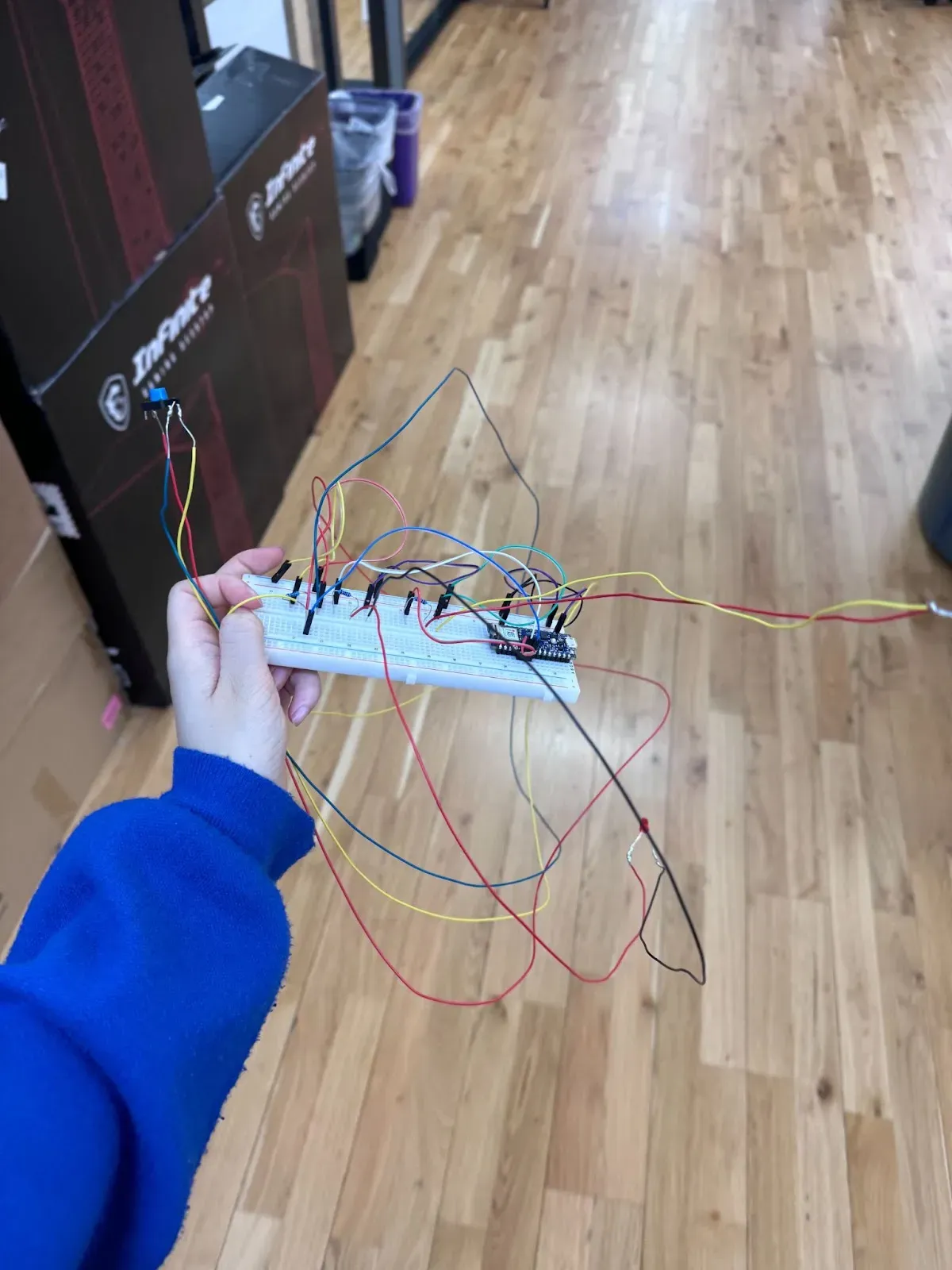
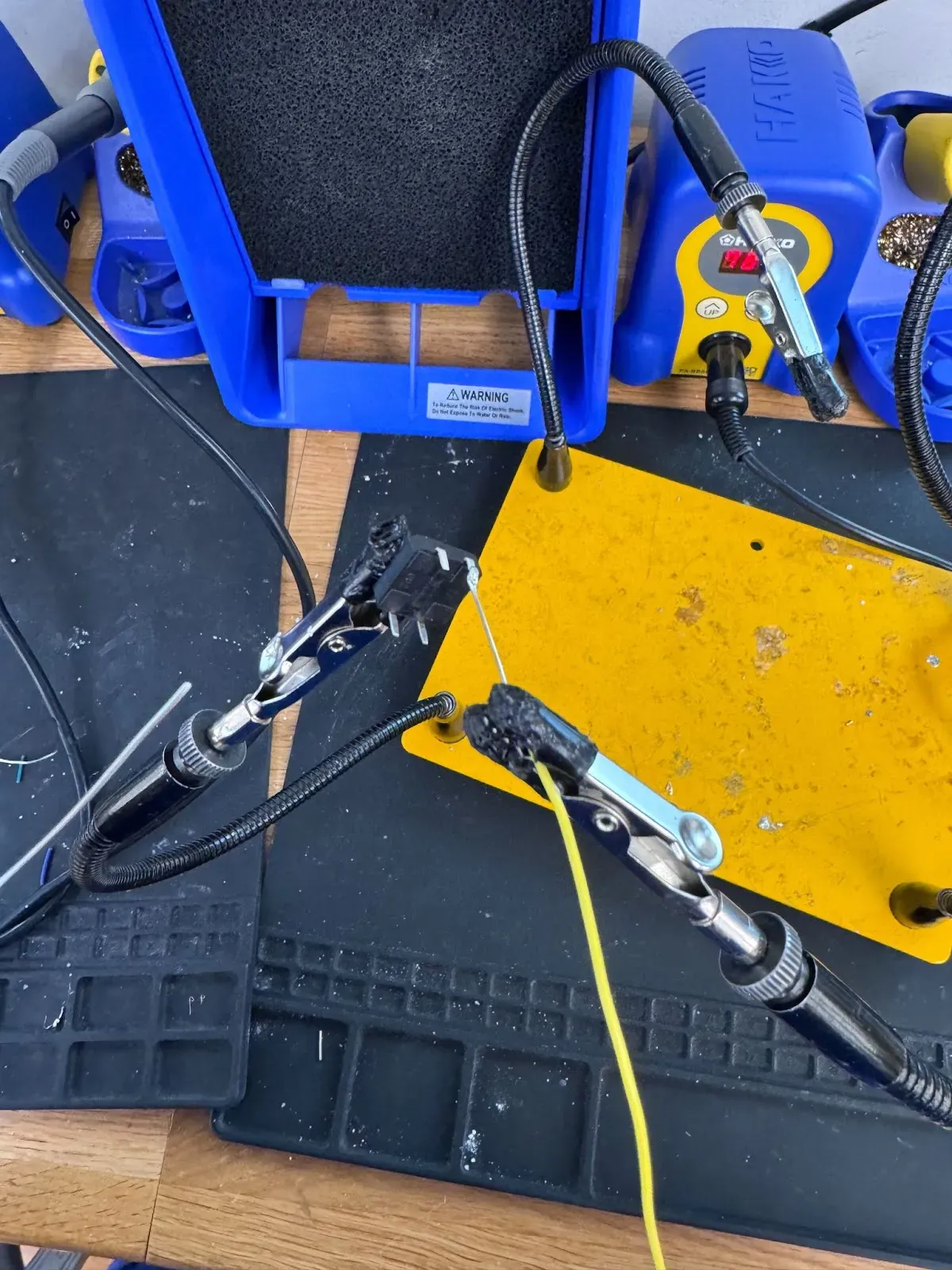
Traffic Light!
I basically soldered every pin
Animation
Goal
Animation key components:
- Endless street(from the first to the fifth street)
process
- I started by sketching out the building’s external facades in Procreate, I referred to the true street scene near Bobst Library to give players a sense of familiarity.

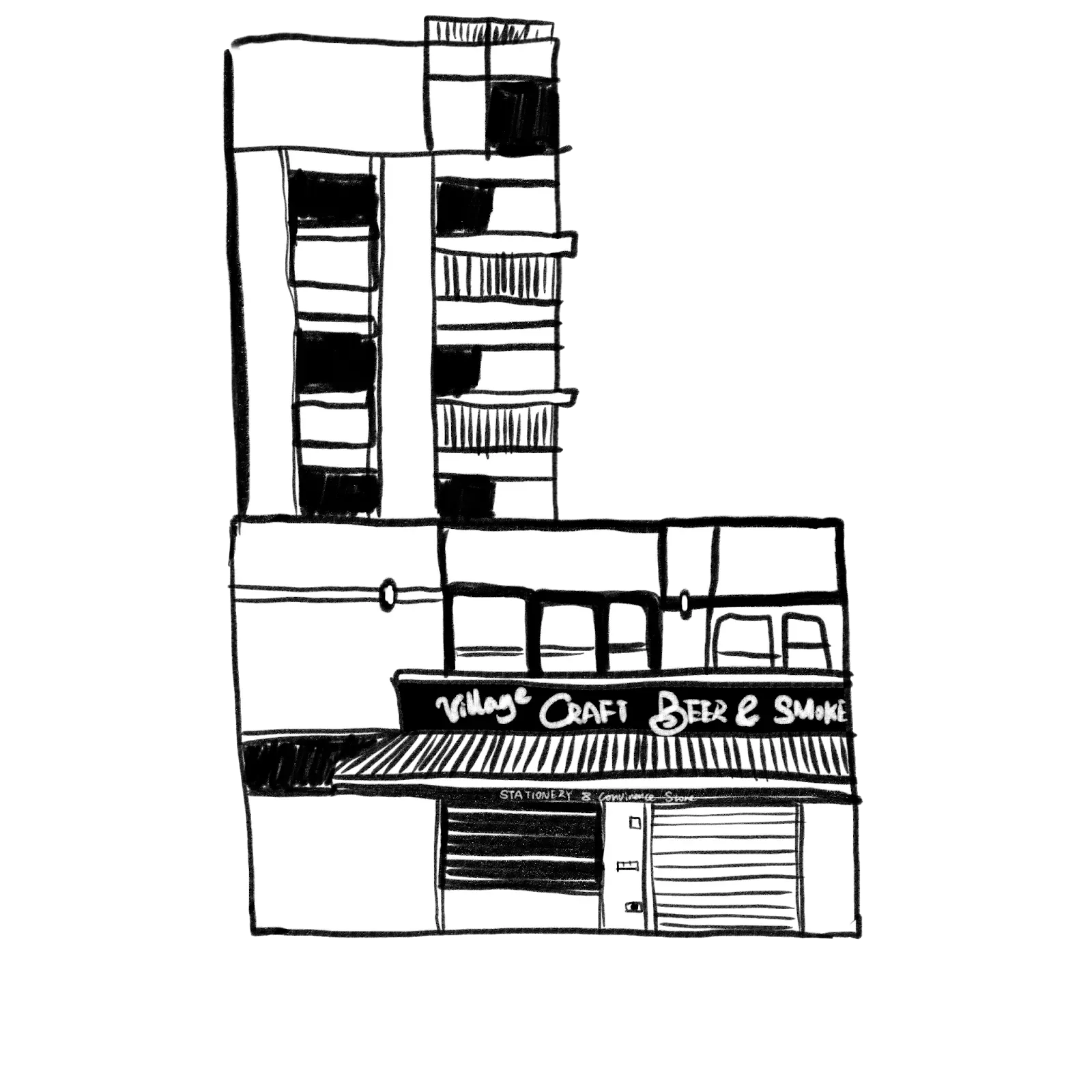
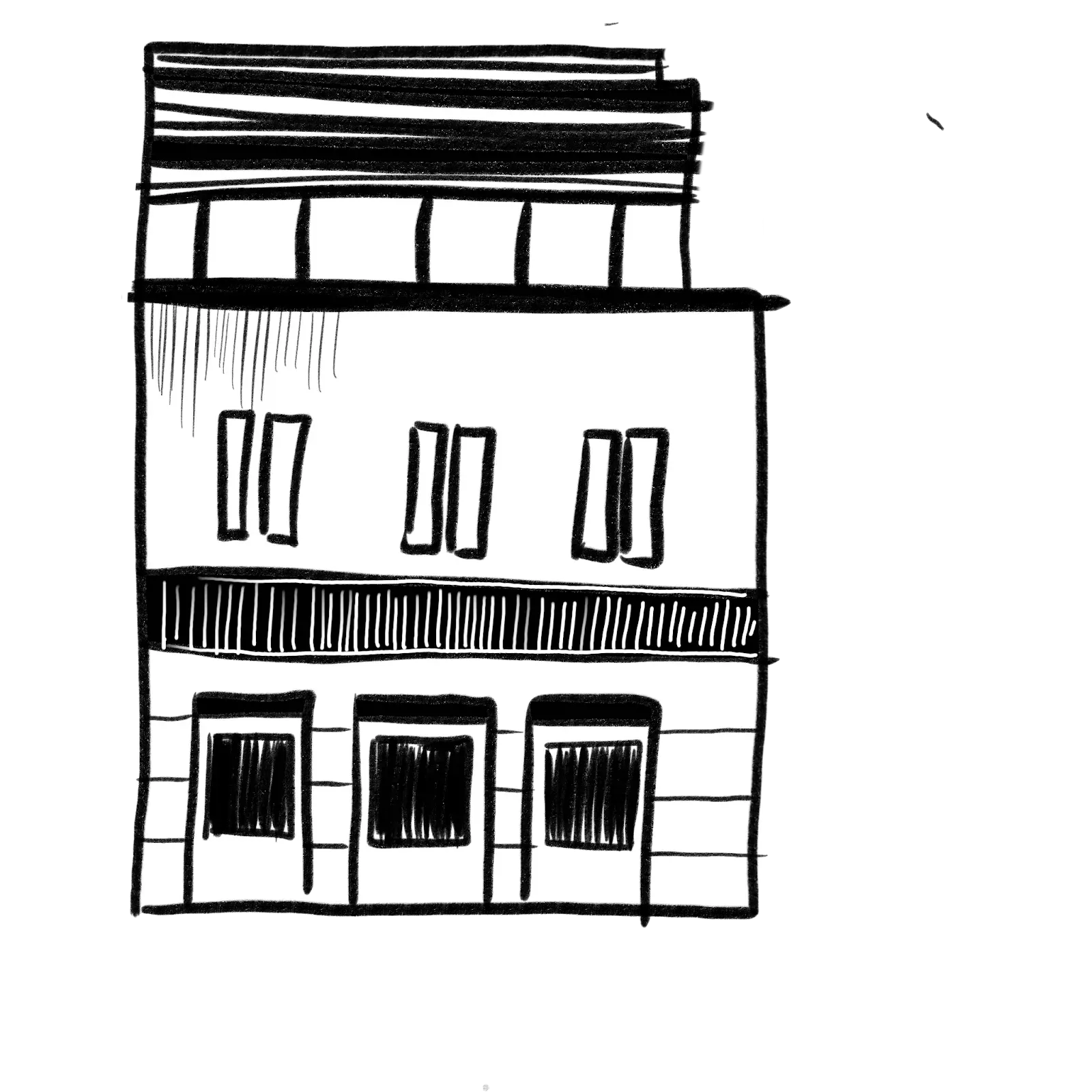
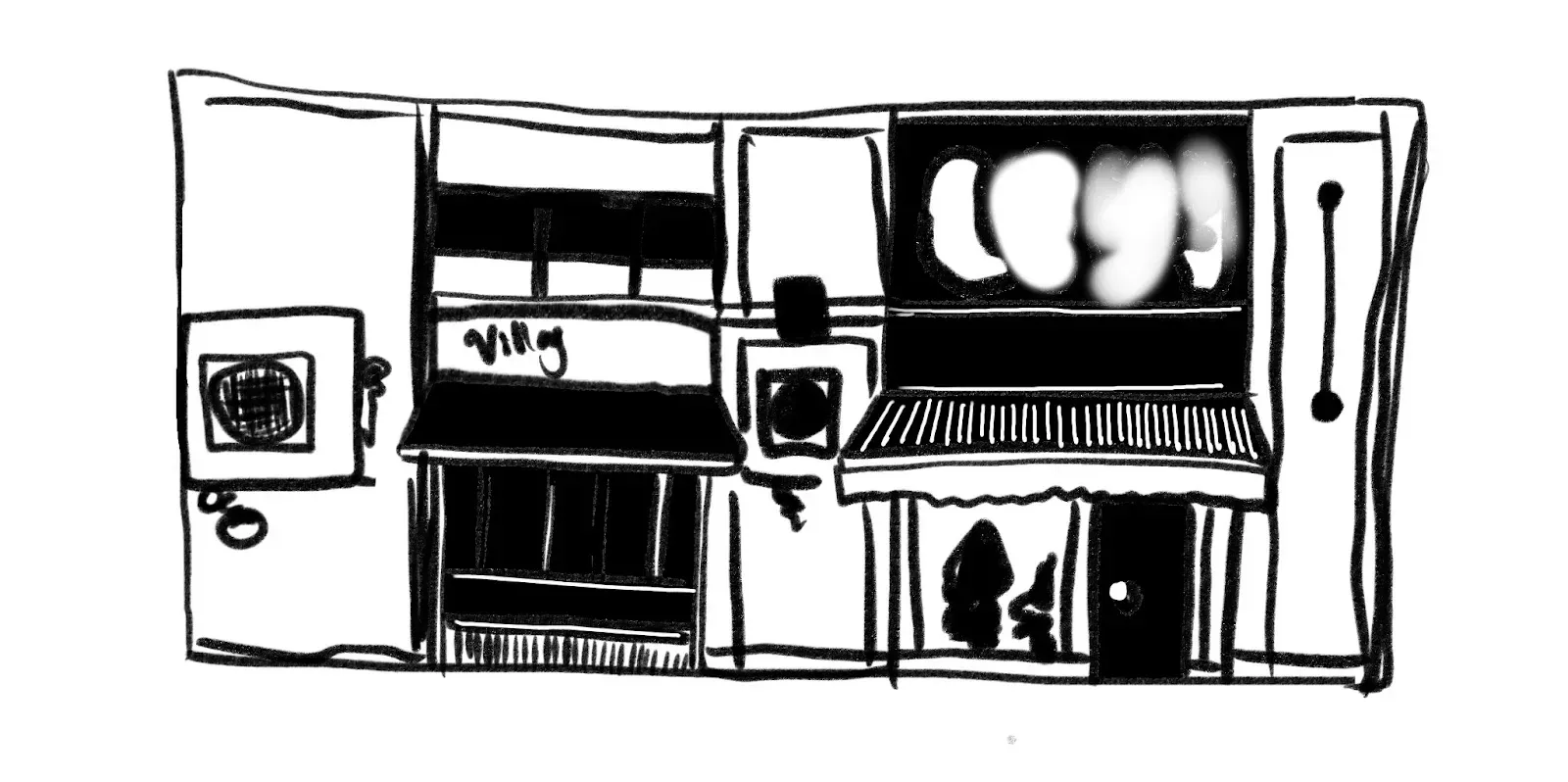
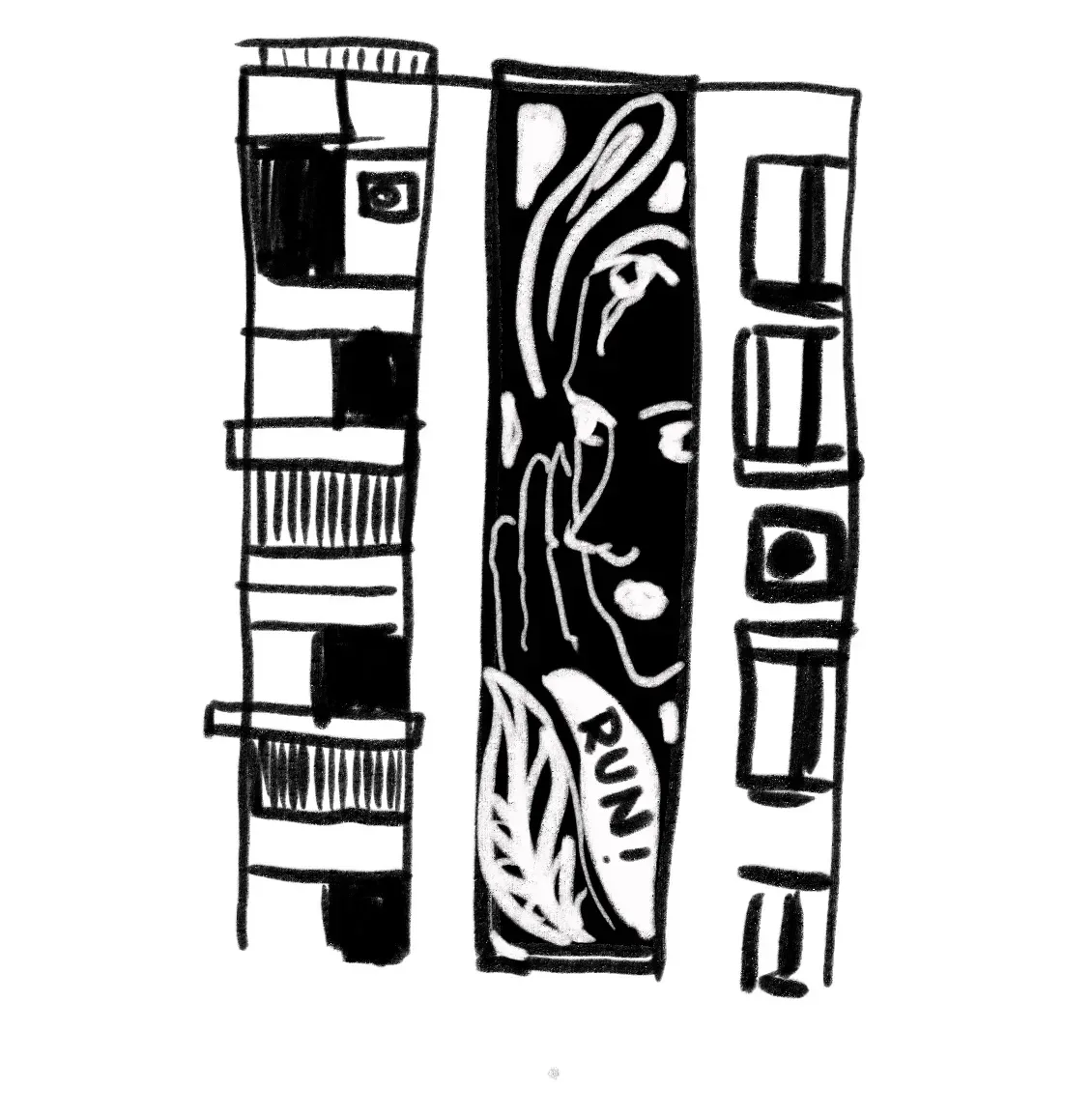
- Then I upload the pictures into Mental Canvas and adjust the camera angle so the 2D facades could present in a three-dimensional way
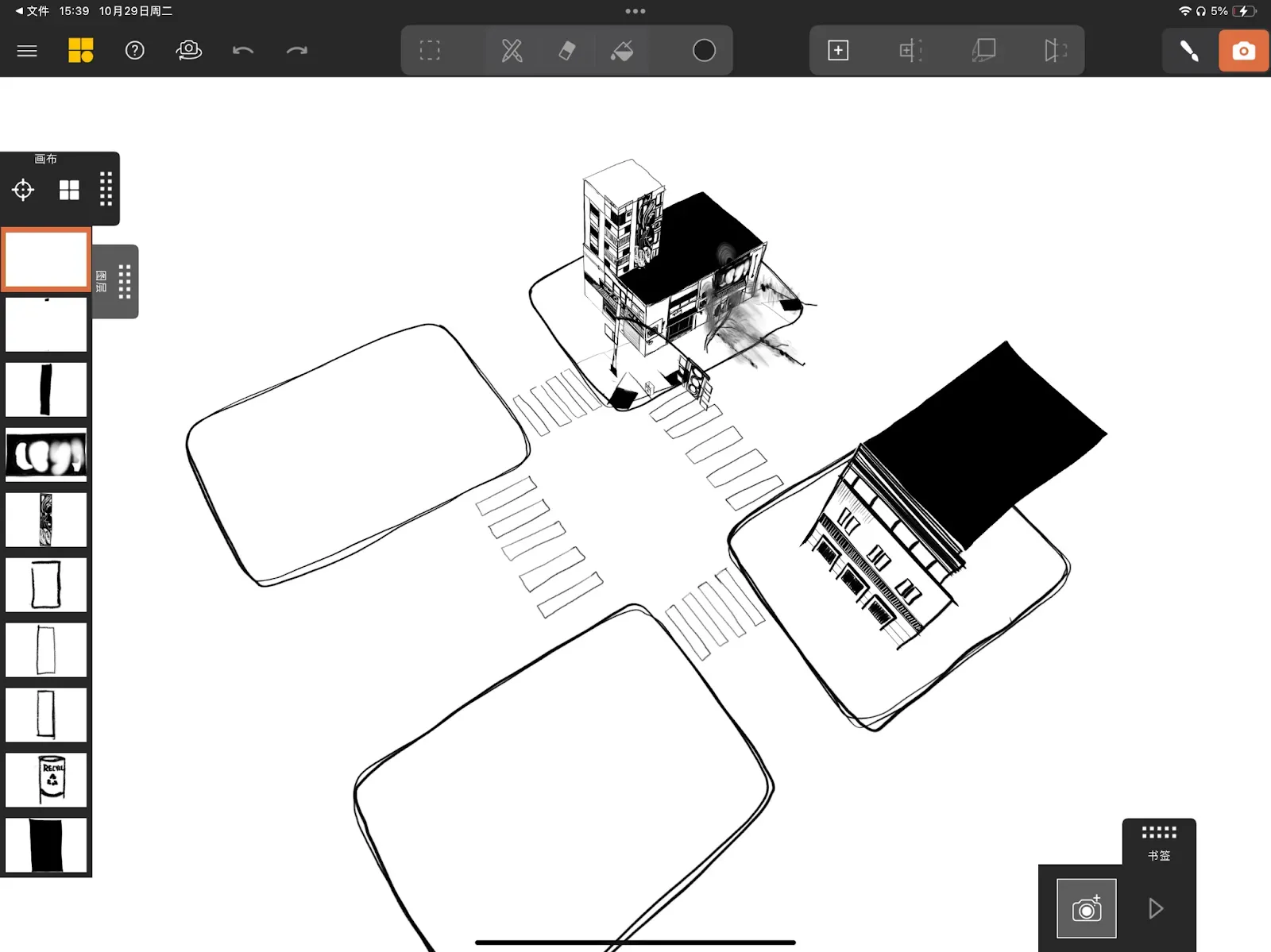
- Then I duplicate layers so there forms an endless street scene
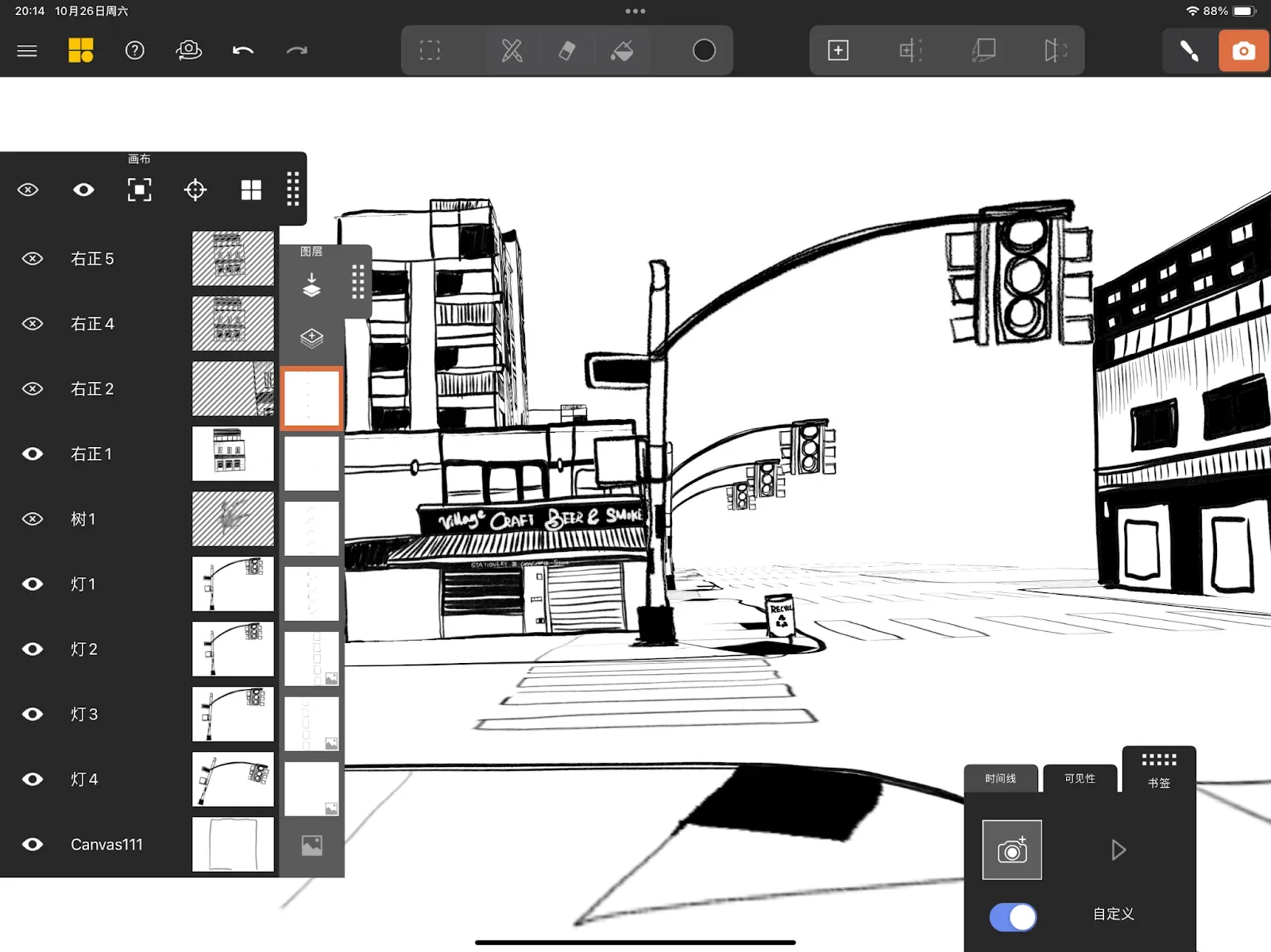
Link to animation
https://drive.google.com/file/d/1ScjWQPeMDk9ncir-ftrV3gBrNtbZEMuL/view?usp=drive_link
Story telling