Keep creating
Inspiration
I’m using this blog post as my source of language. It’s a blog post from my creative computing class last semester that means a lot to me, about the lost and found of my ability to create. Though out the first month at IMA, I had been questioning myself,
→ Why I Picked an Art School to Study Computers
And here is the answer. I just thought that project #1 would be a perfect opportunity to make this blog reading experience into an interactive one, so my readers could experience this lost and found with me.
Flowchart
how should my pages connect with each other?
graph TD;
  A[index.html] -->|"Creating?"| B[creating.html]
  A -->|"Losing?"| C[losing.html]
  A -->|"Thinking?"| D[thinking.html]
  A -->|"Just looking around."| Z[404.html]

  B -->|"Kept creating."| E[robots.html]
  B -->|"Lost it."| C

  C -->|"Is this what I wanted?"| D
  C -->|"I wanted to break free."| F[rediscovering.html]
  C -->|"At least I was successful."| C(Loop)

  D -->|"Start again."| B
  D -->|"Keep exploring."| F

  F -->|"Digital Art"| G[digitalpainting.html]
  F -->|"Interactive Media"| H[interactions.html]
  F -->|"Coding, but for creation."| I[coding.html]
  F -->|"Tools and Mediums"| J[mediums.html]

  E -->|"Robotics to coding"| I
  I -->|"Functional vs Creative Code"| J
  J -->|"How tools shape creativity"| H
  H -->|"Games, interactions, and beyond"| G
Visual Design
I created a moodboard for this project, and picked pixel & dithering effects as the main theme.
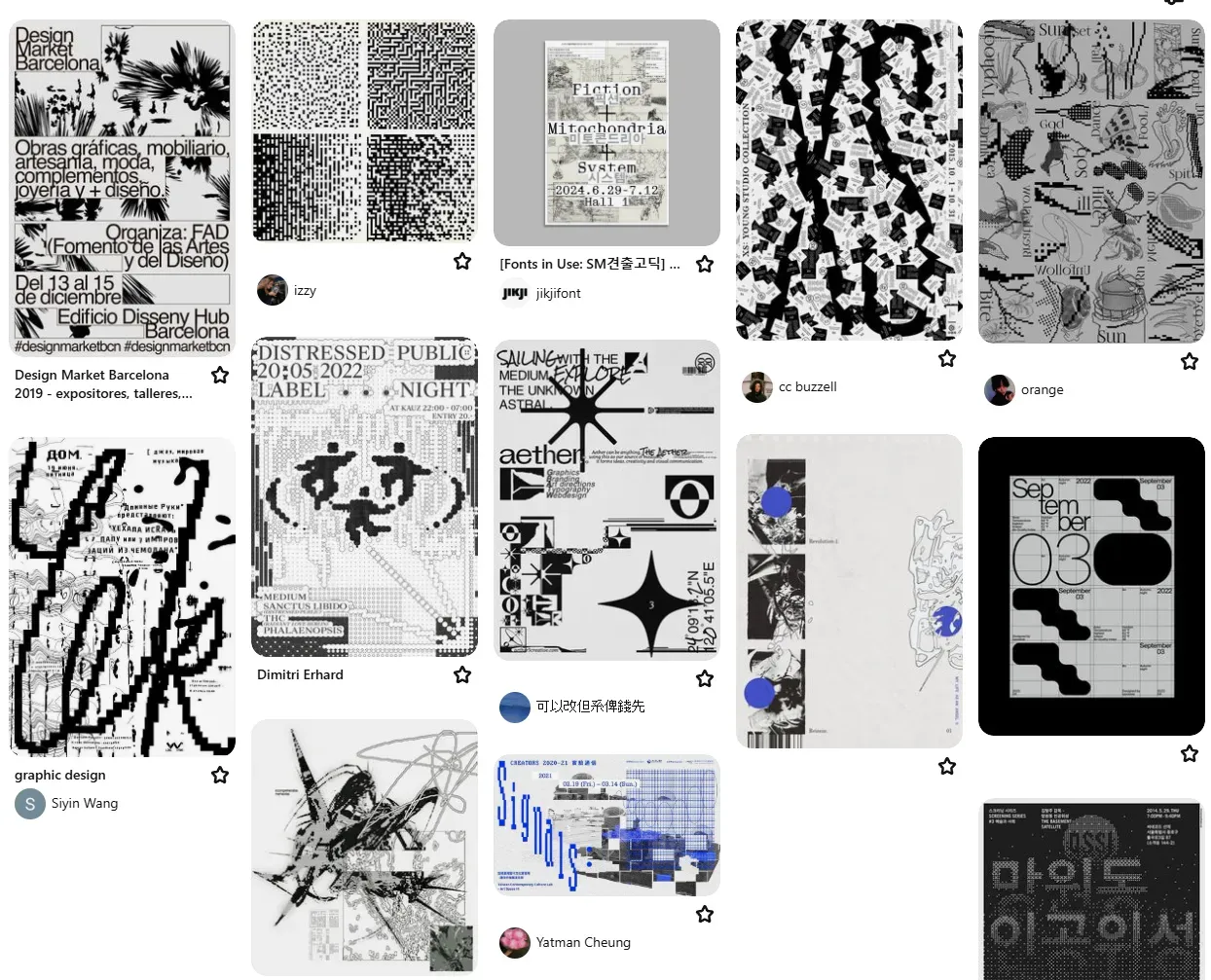
But it turns out harder than I thought… So I kept it simple (minimalist)
Resources & Self Studying…
The main resource is the html.md notes. It really helped a lot!!
I used CSS flex for overall formatting (I want everything to be in the middle and some padding on left and right so the reading experience is smooth.)
Dealing with the photos in my blog, I found this article super helpful, although in the end I only used the hover → alter saturation effect to create a “memory unlock” vibe:
Also encountered niche problems. Some of them I kept a record, while others were buried in my browser history.
eg. How to get rid of the bullet of the list?
eg. How to put my images in one single line?
eg. Paragraph pushes the title off the initial viewport.
For the font I created a cdn link to mintsoda.ttf by myself. The trick is to upload this ttf file to a public github repo, get the raw content link, and use it as a source (because it’s ttf you should also set the MIME format to truetype).
@font-face {
    font-family: 'Mintsoda';
    src: url('https://raw.githubusercontent.com/n3xta/image-hosting/main/fonts/mintsoda.ttf') format('truetype');
}I used the same trick for the photos that I included.
Final Work (?)
Example Page 1 (The first page after creating.html)
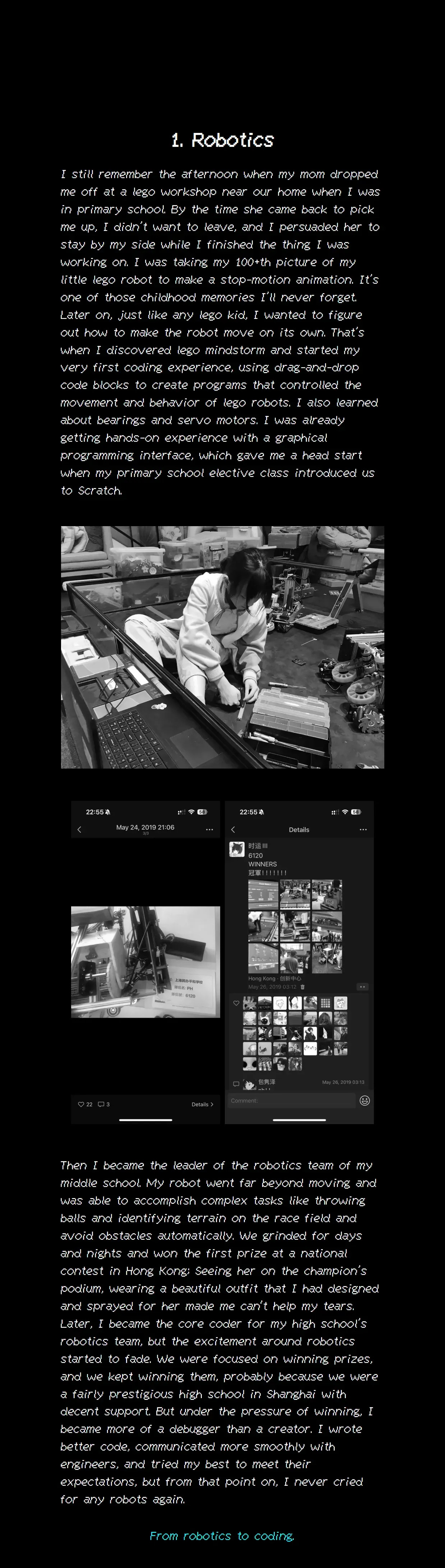
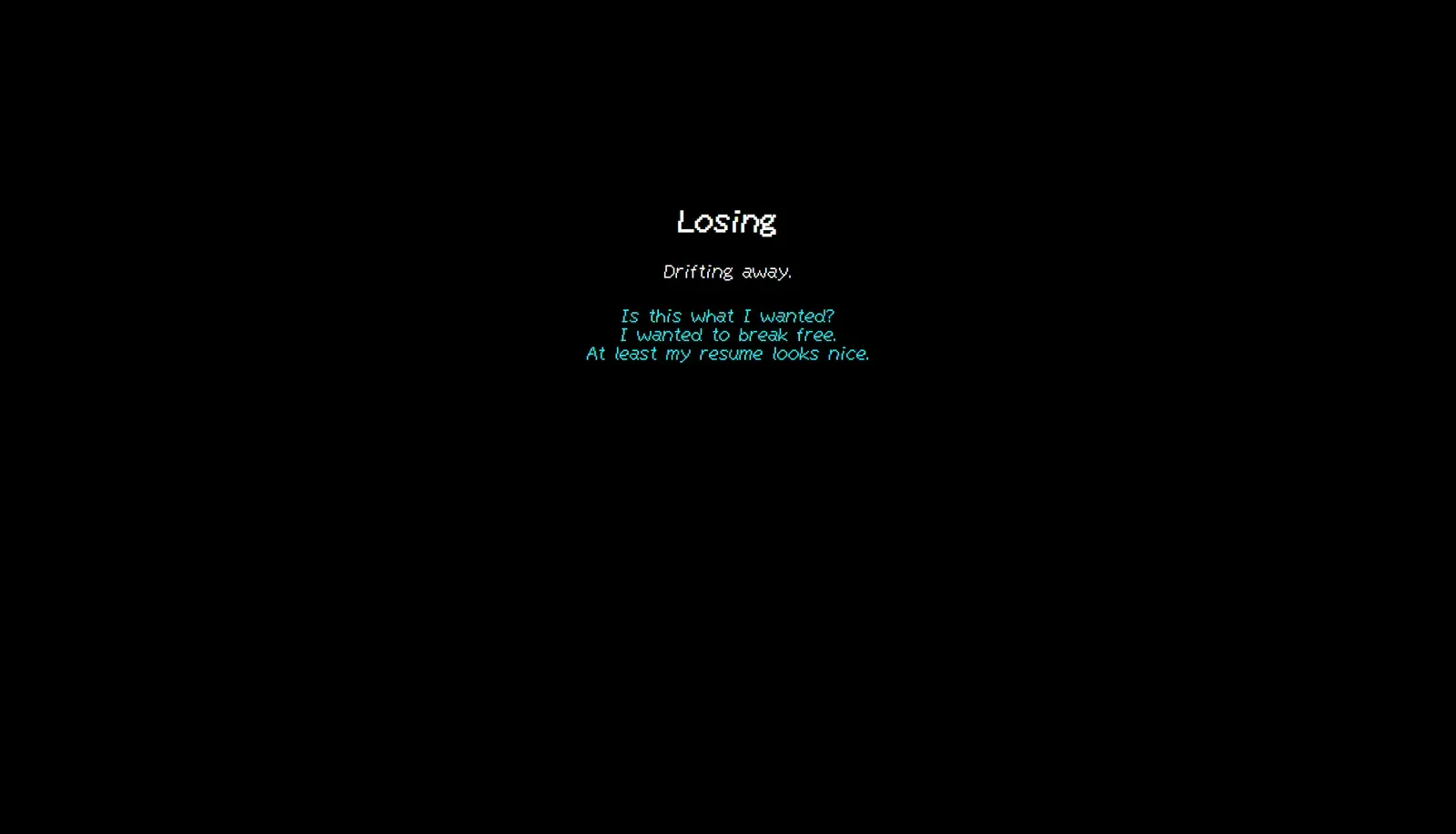
Example Page 2 (losing.html)
Wait!! that ↑ is not the final work
I just thought that if I’m writing sth about my own creating process, about how I regained my incentive to create after being lost and frustrated as a typical asain computer science kid,
why not include my own creative work after I got here (IMA)?
Anyways, this is my #genuary15 artwork:
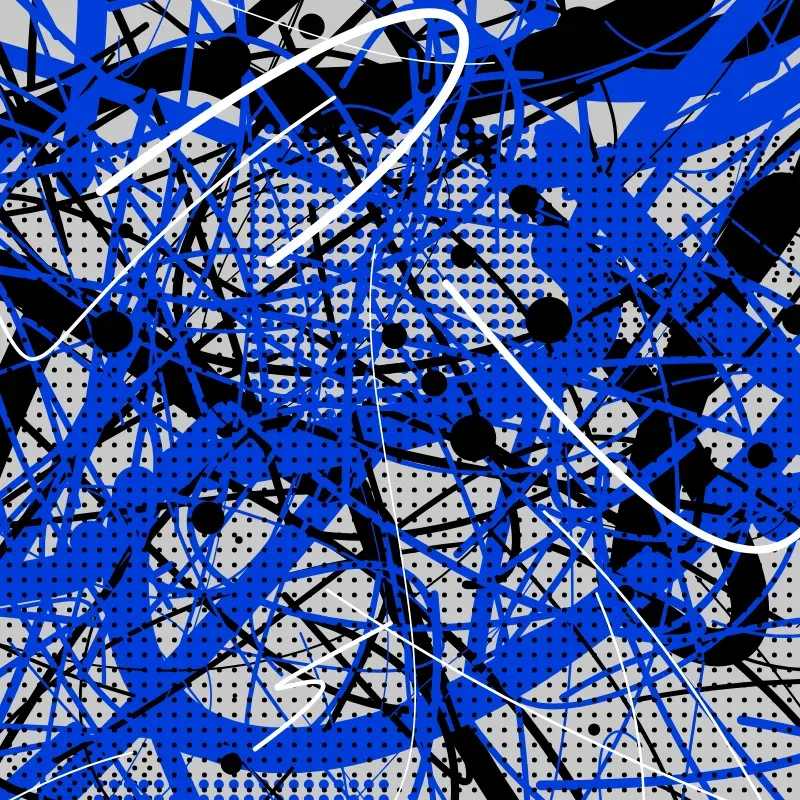
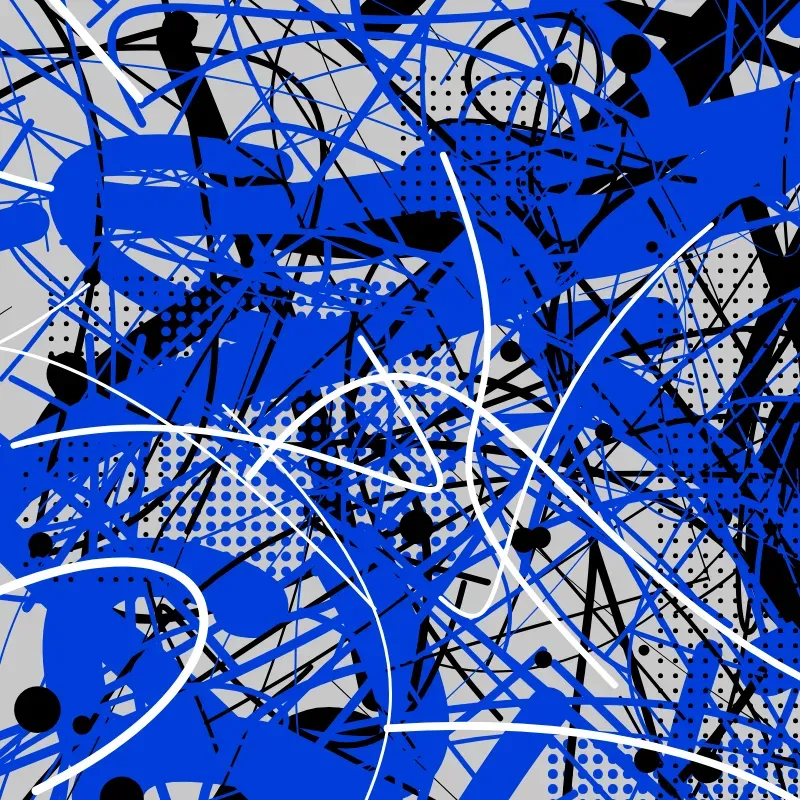
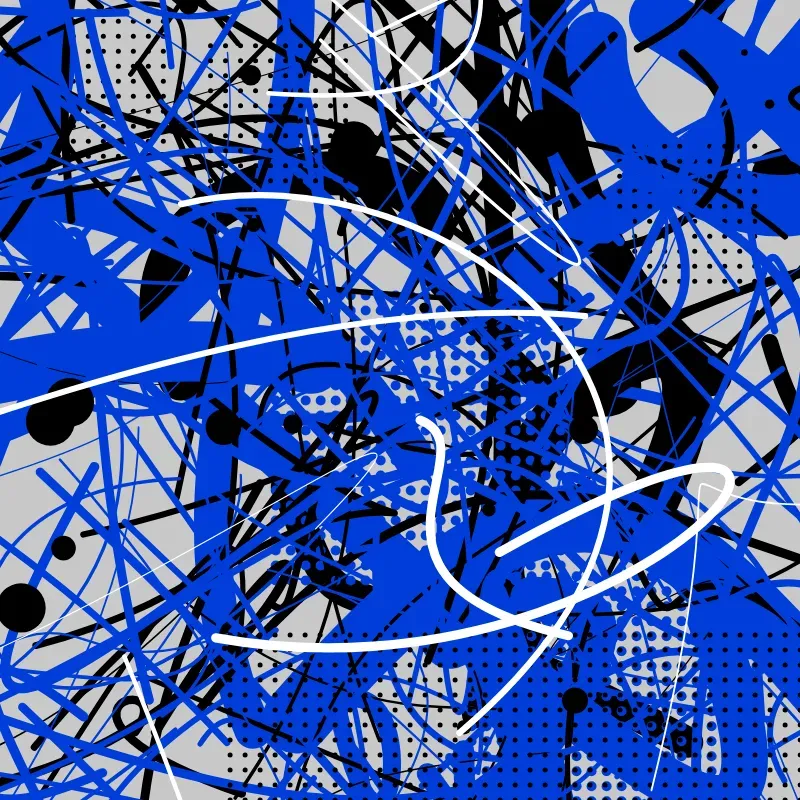
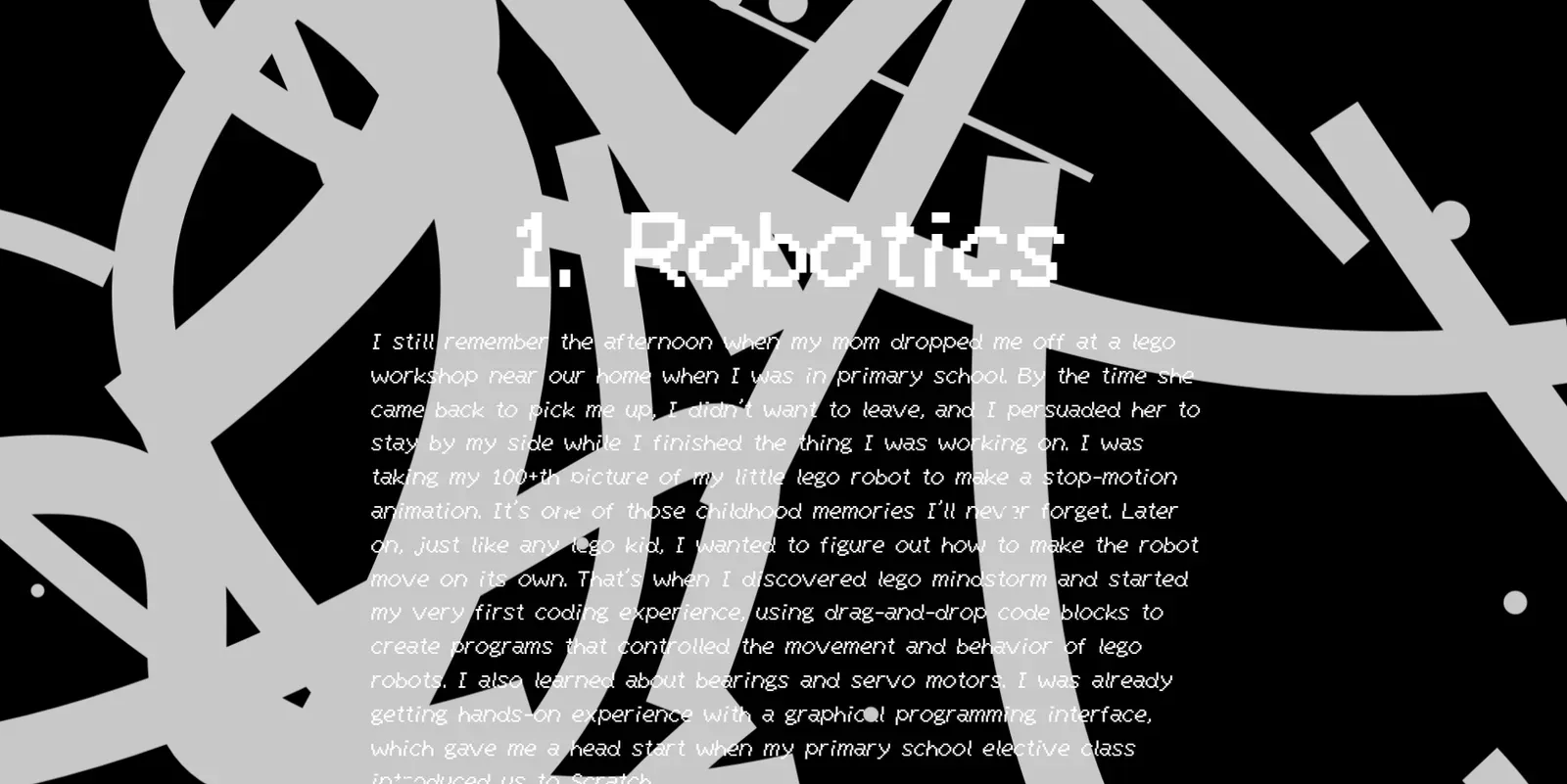
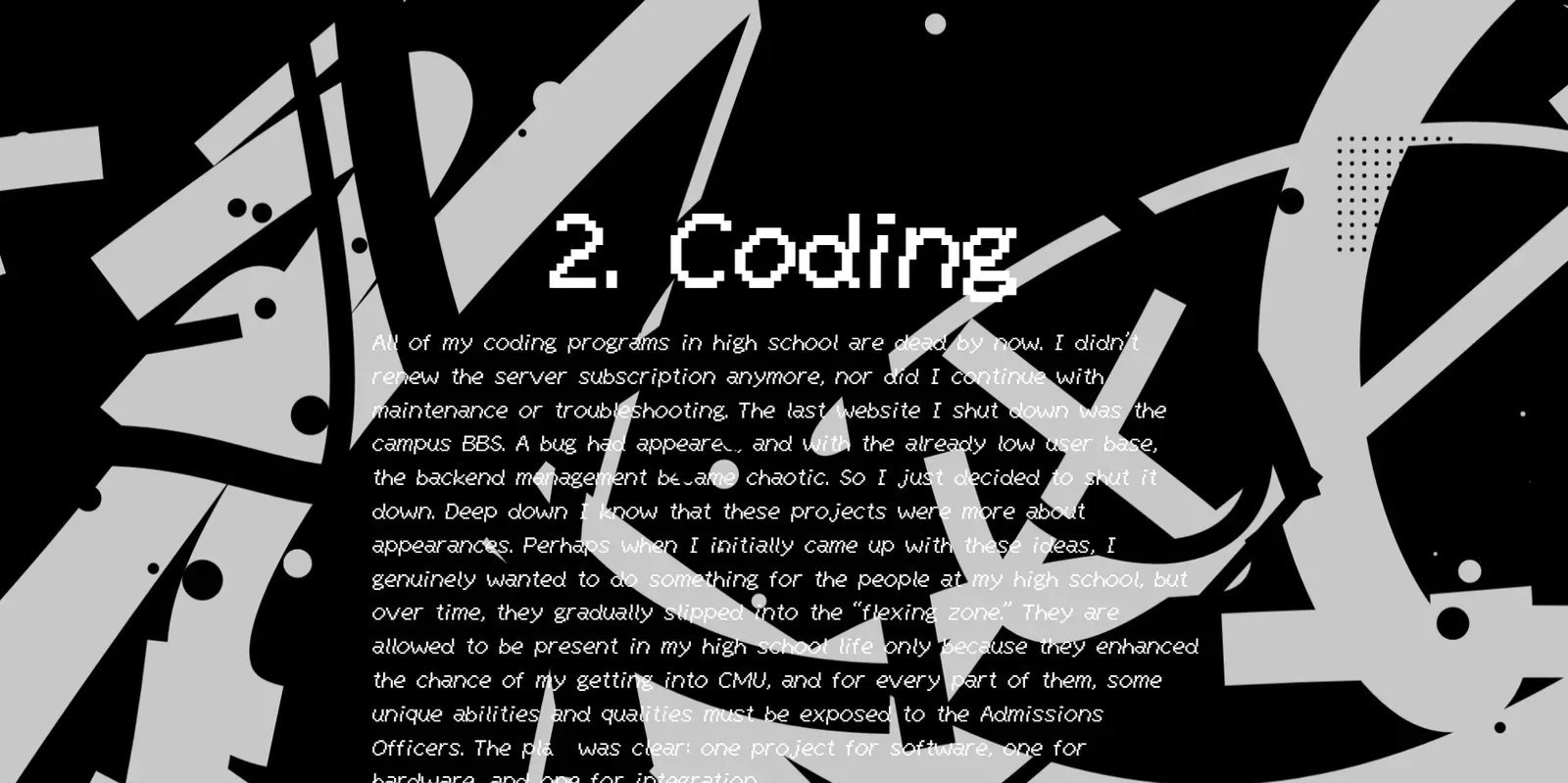
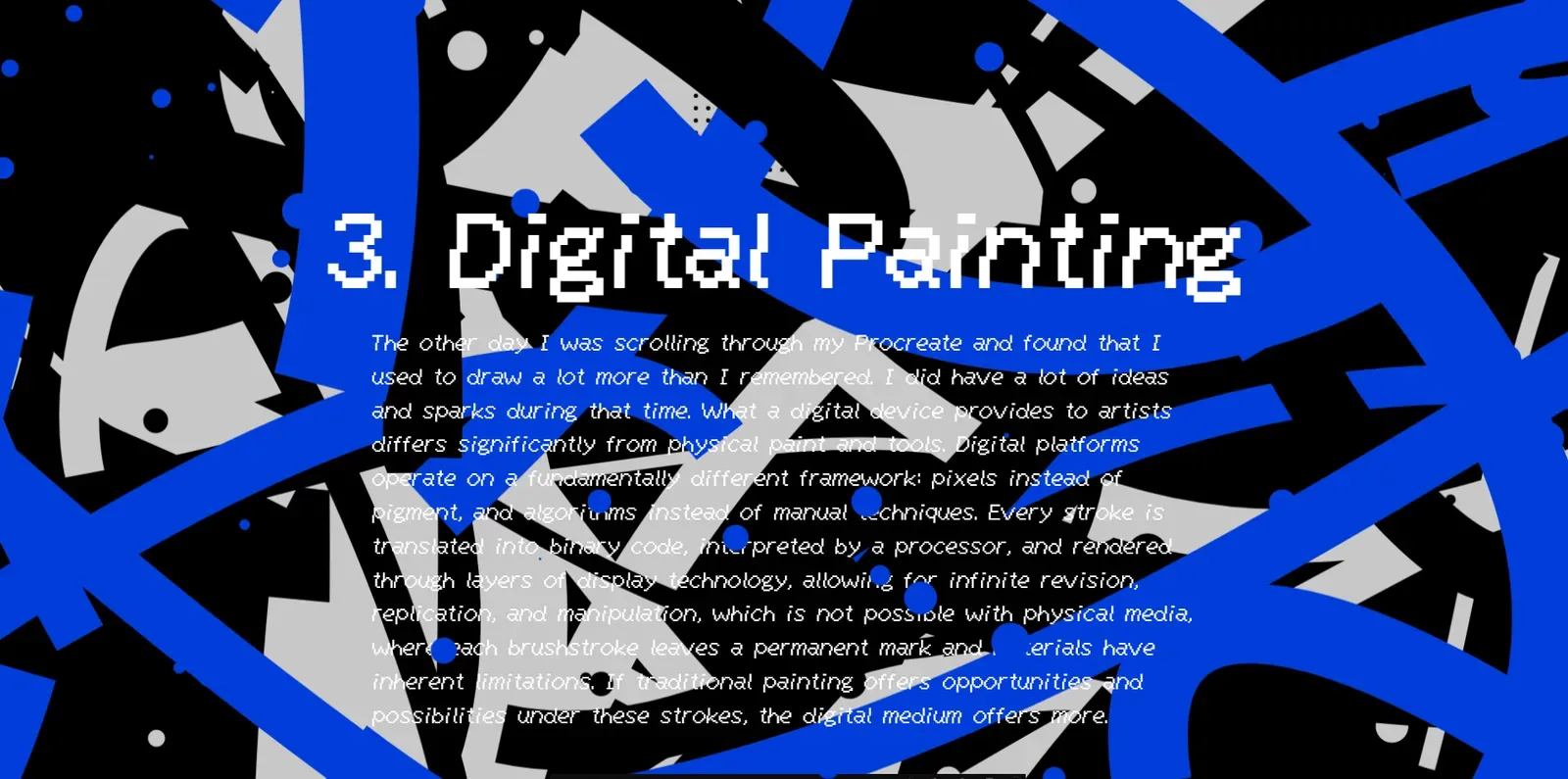
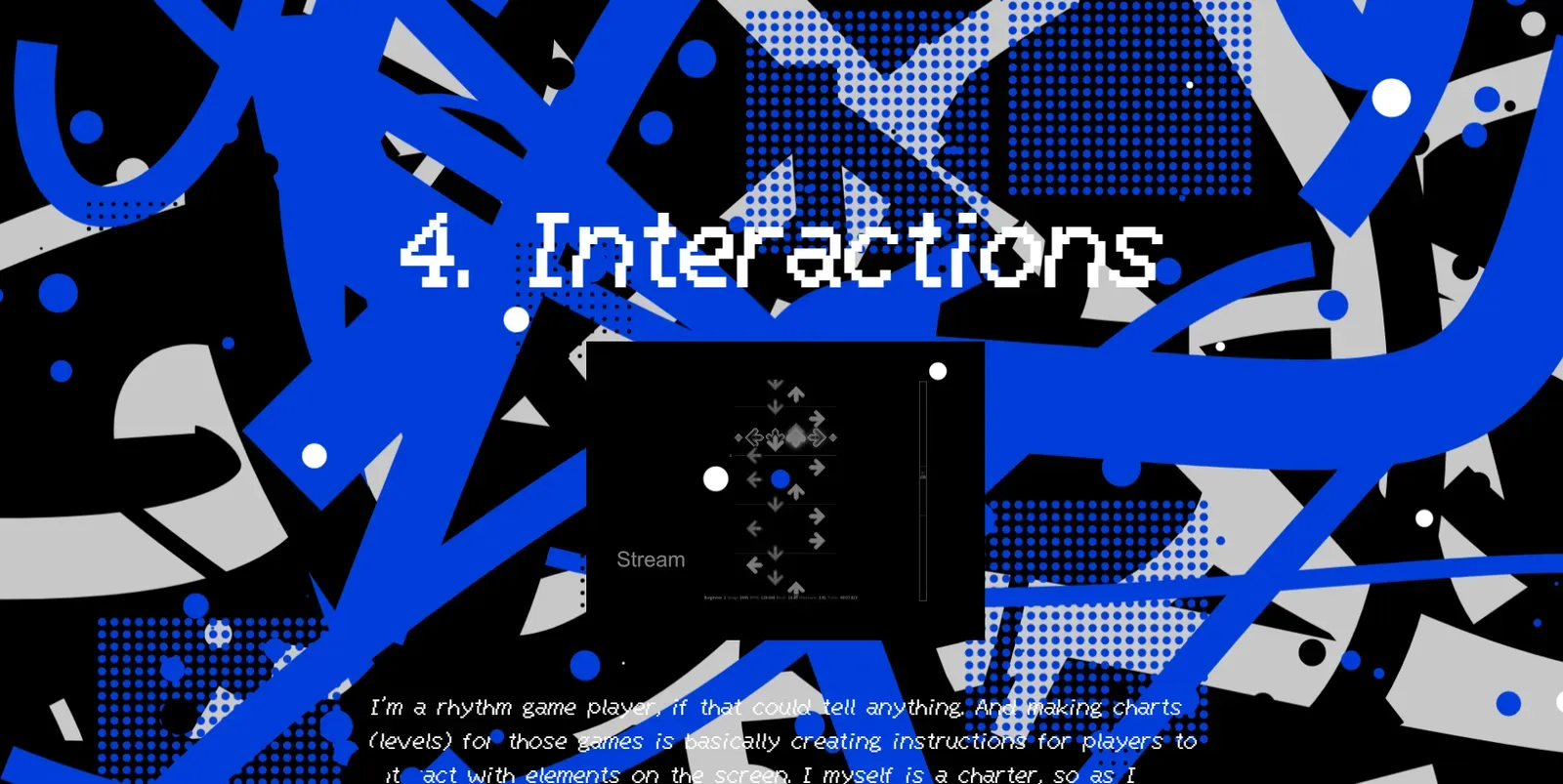
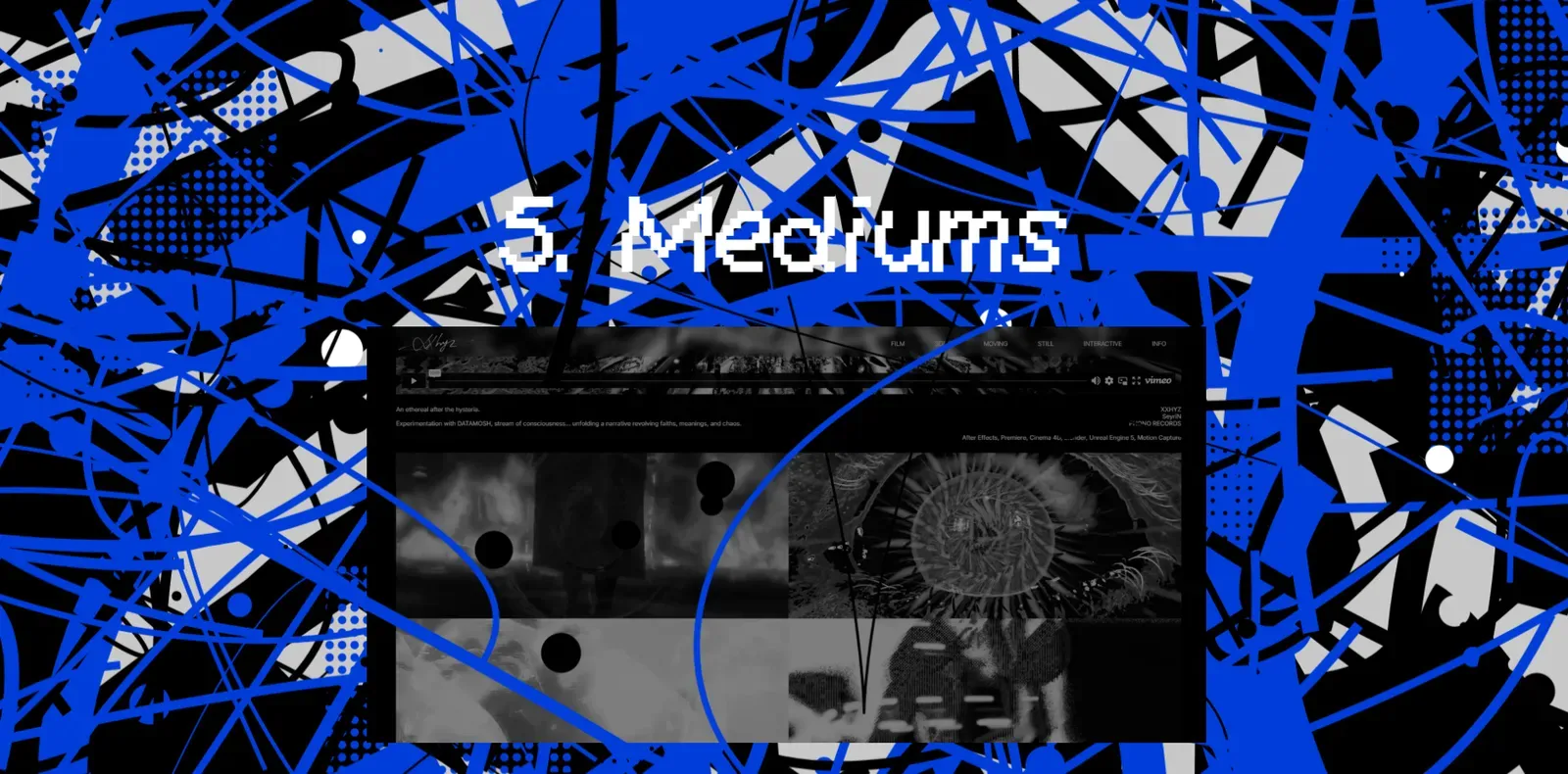
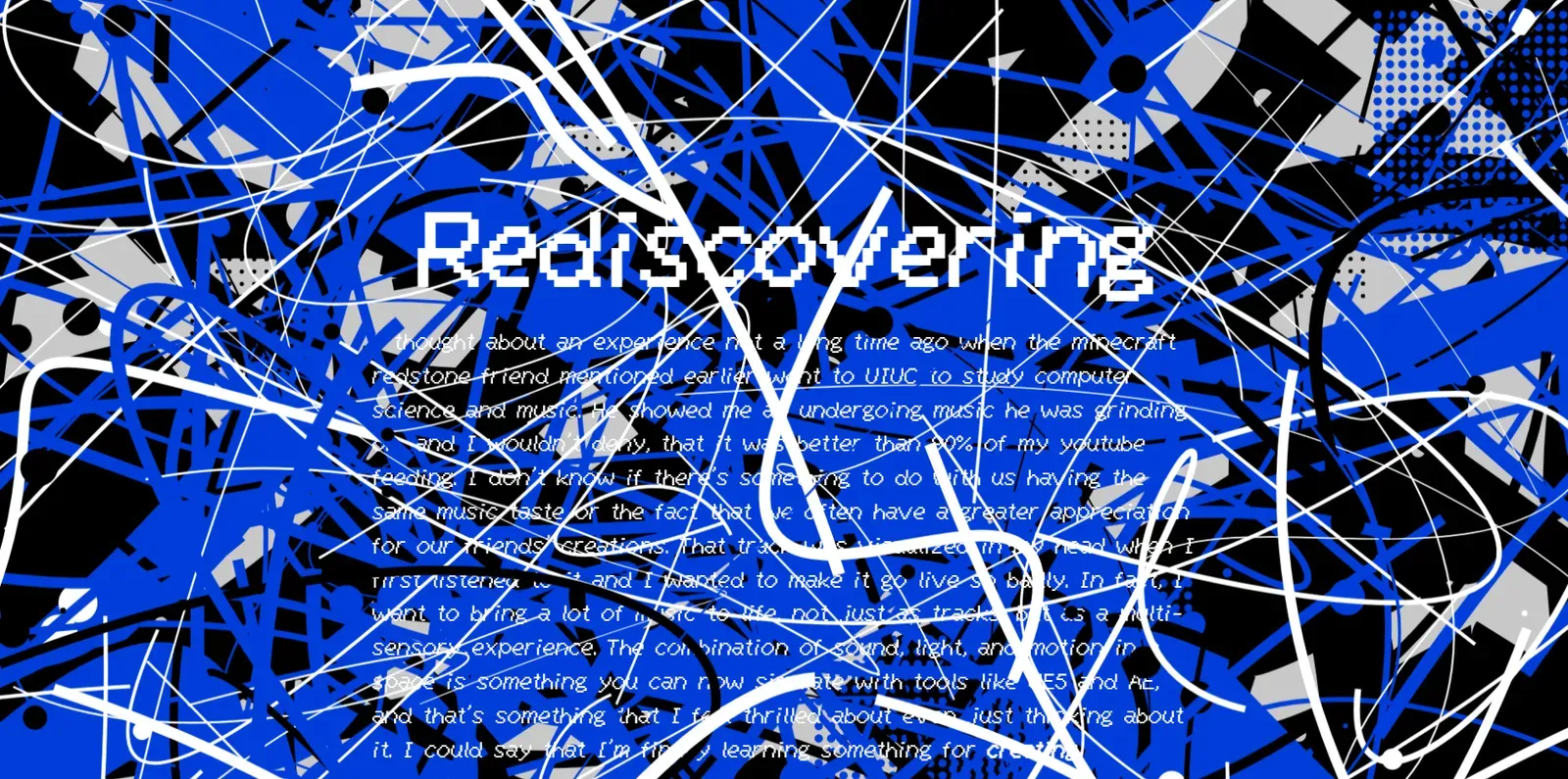
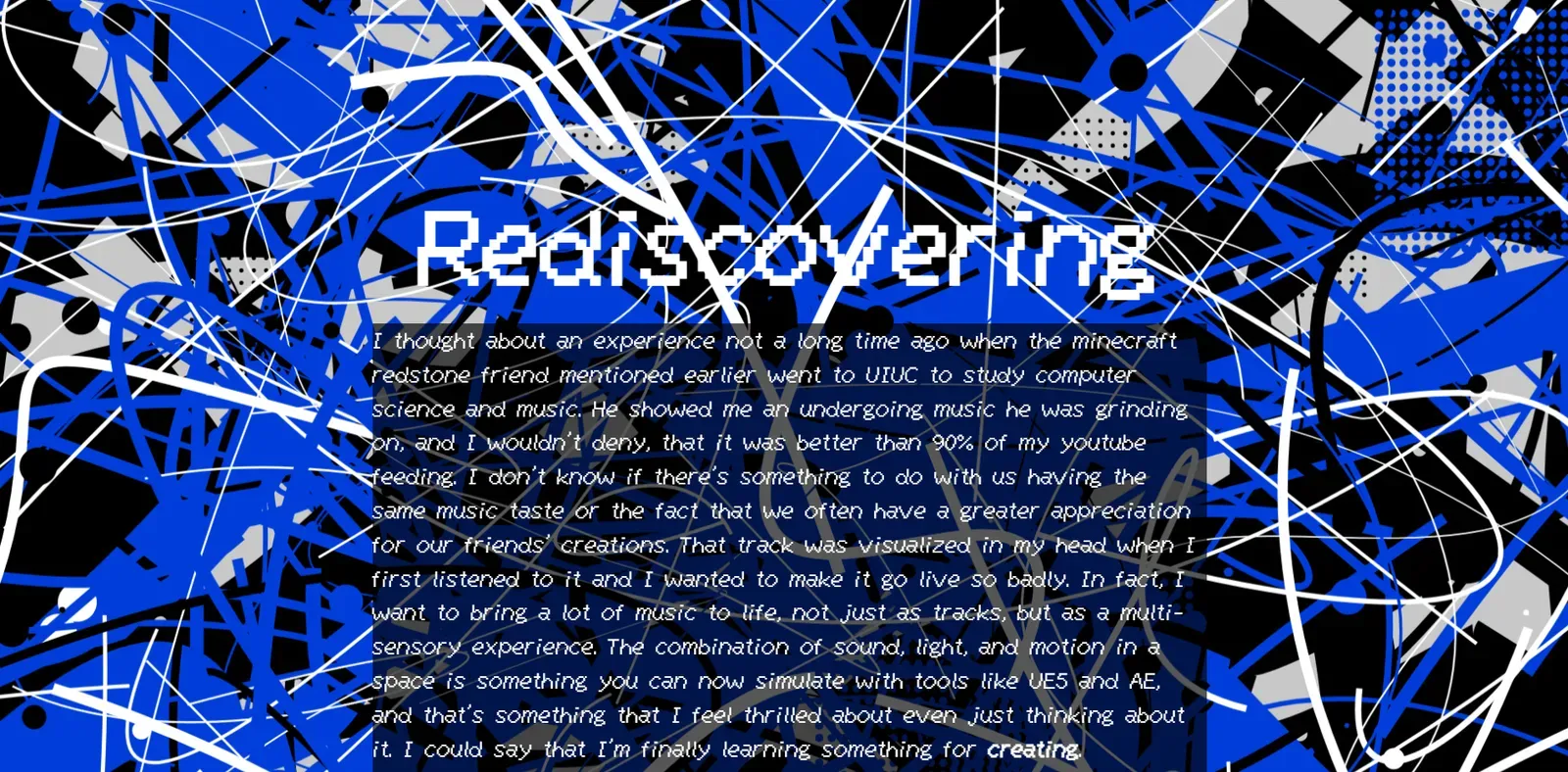
I’m just going to use the png file of it, layer my content inside, and make a sandwich like structure. I just feel like mintsoda (the font) fits well with this artwork.
I divided the work into a process. That way my audience can scratch with me from nothing to everything, which is the process of creating that the blog was talking about.

Final Work
Last change: Readability
I added a hover on the <p class=”blog-content”> elements that:
- drag them to z index 5, on top of everything
- gives them a dark shade background
eg. When you hover on this peice of text:
Easter Egg
The foreground and background of the pages are created using p5.js. I hope I don’t get points off for bringing it in :)